1. Common Security Program
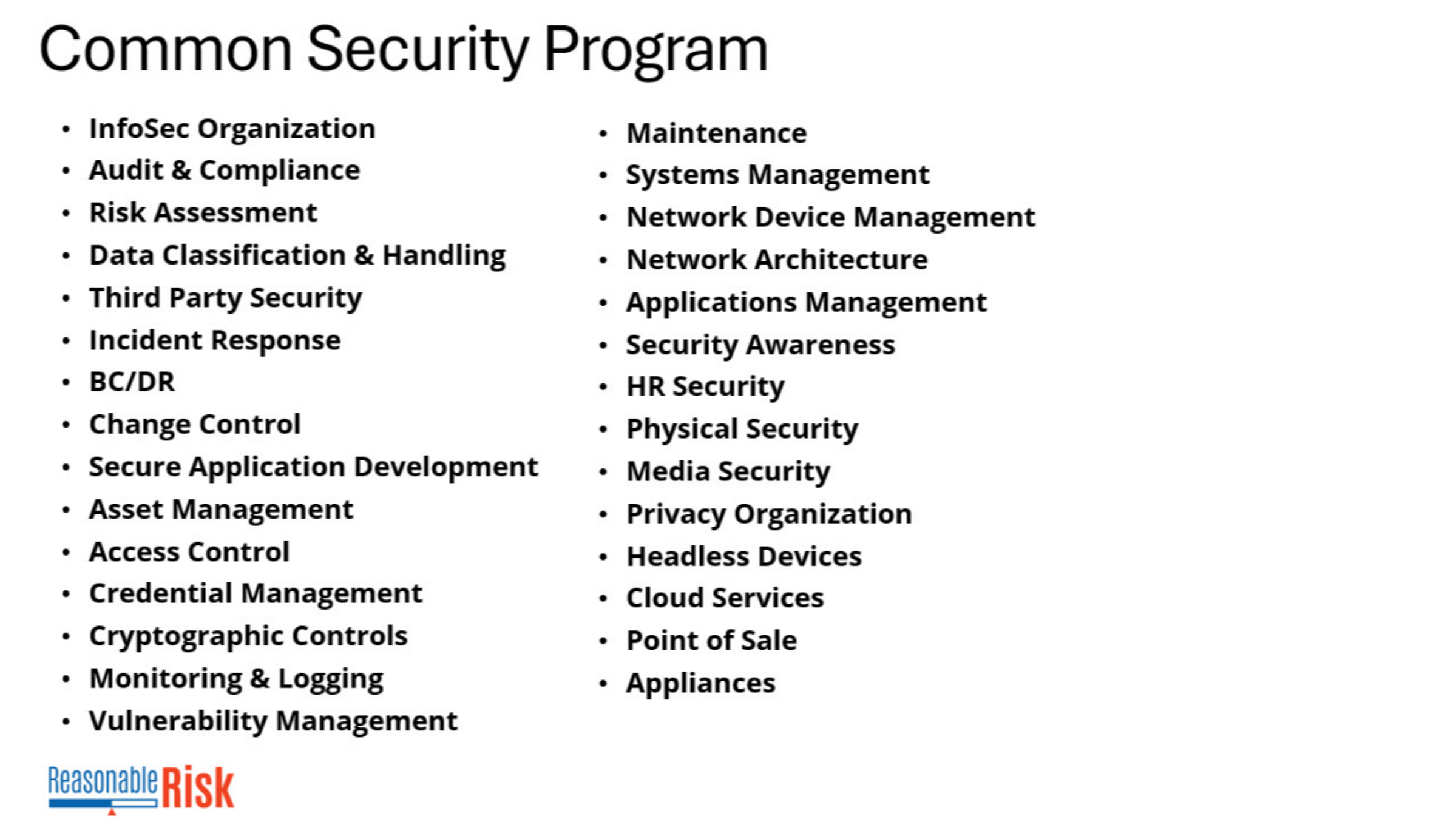
The Common Security Program is a list of 29 security categories that are used to categorize risks.
2. CSP Maps to all standards
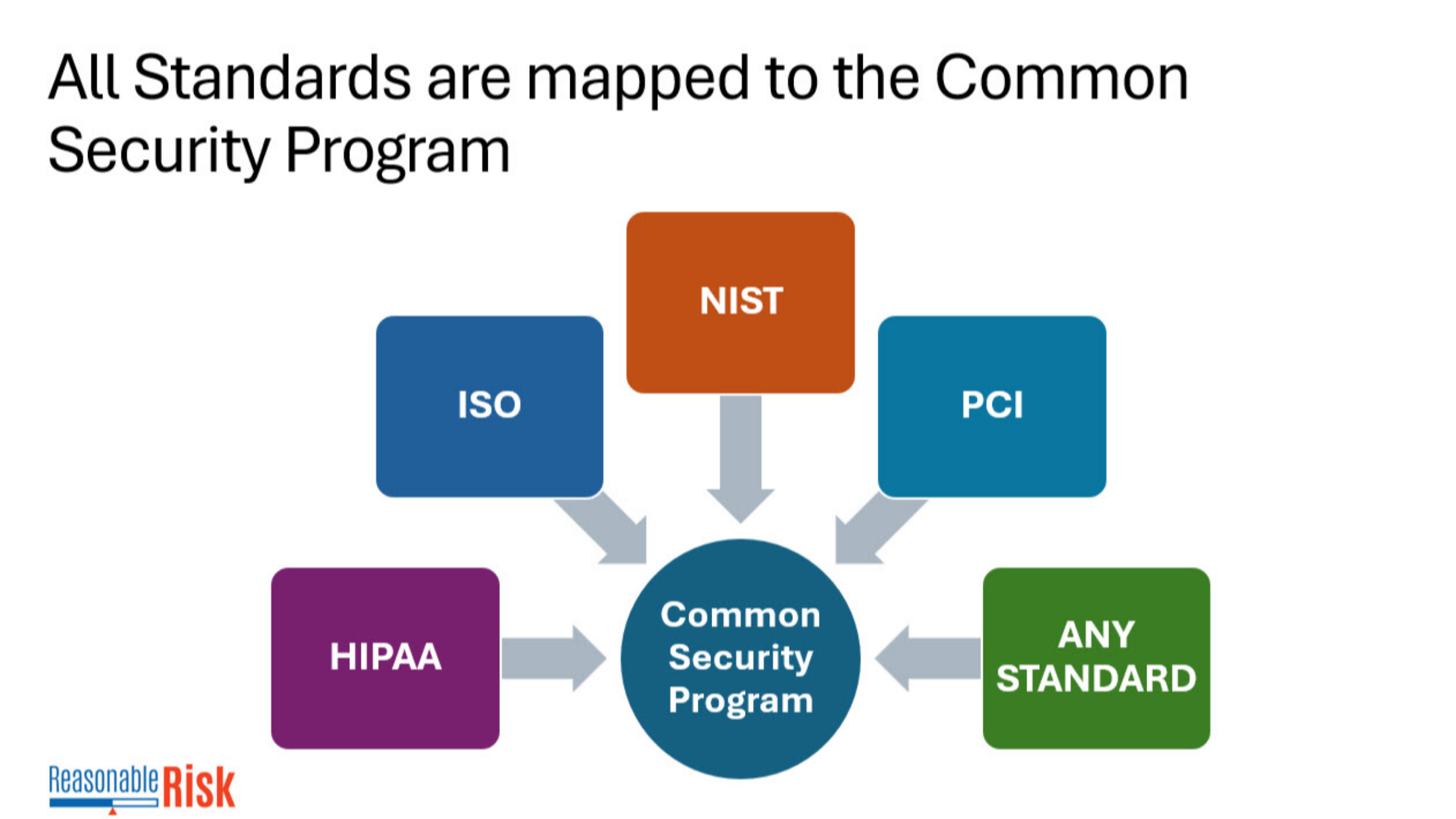
Any standard that is required is mapped to the common security program within Reasonable Risk.
3. Click "Edit Risk"
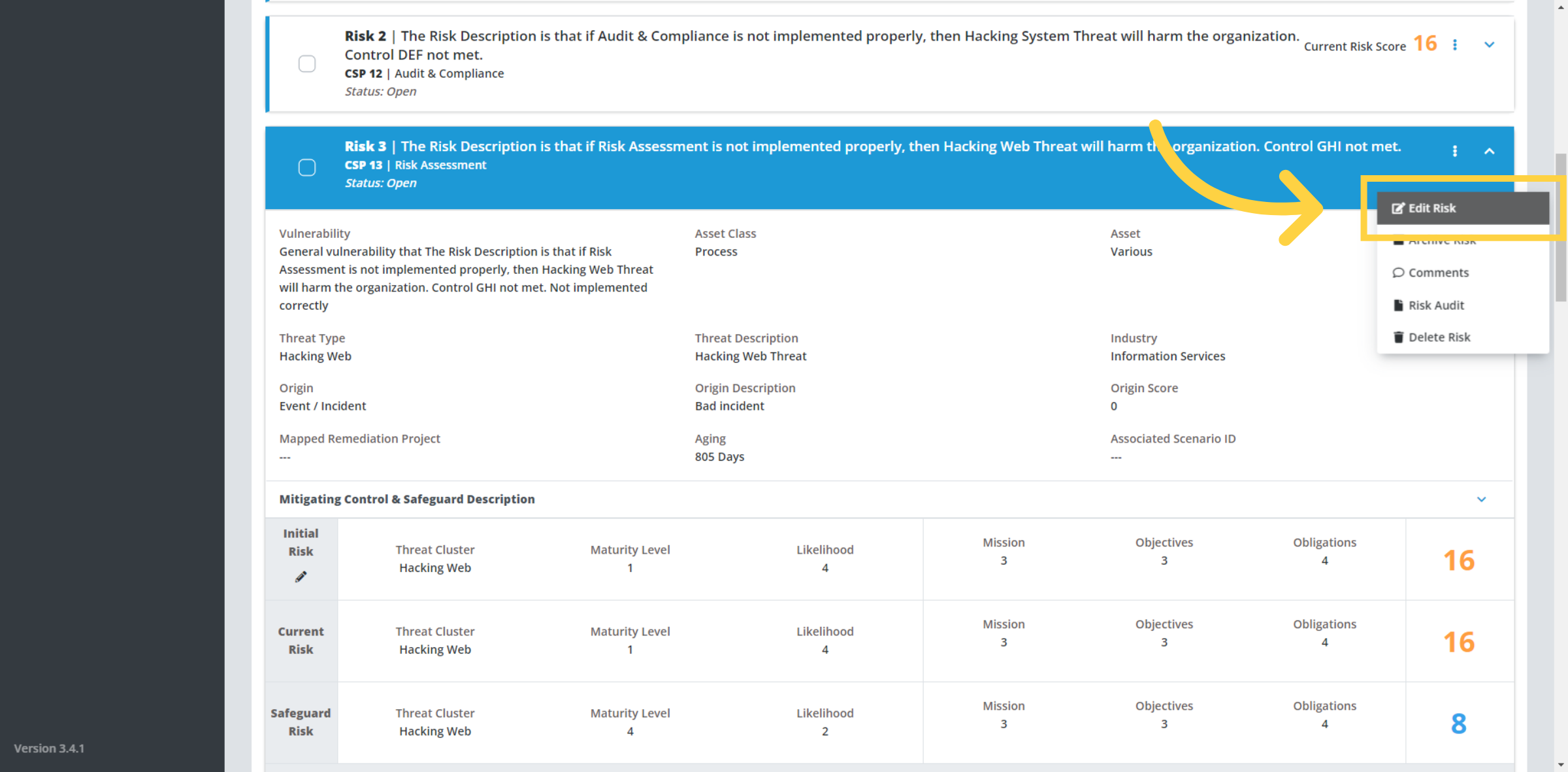
Each risk is associated to a Common Security Program, we need to edit the risk to select the Common Security Program.
4. This is the CSP
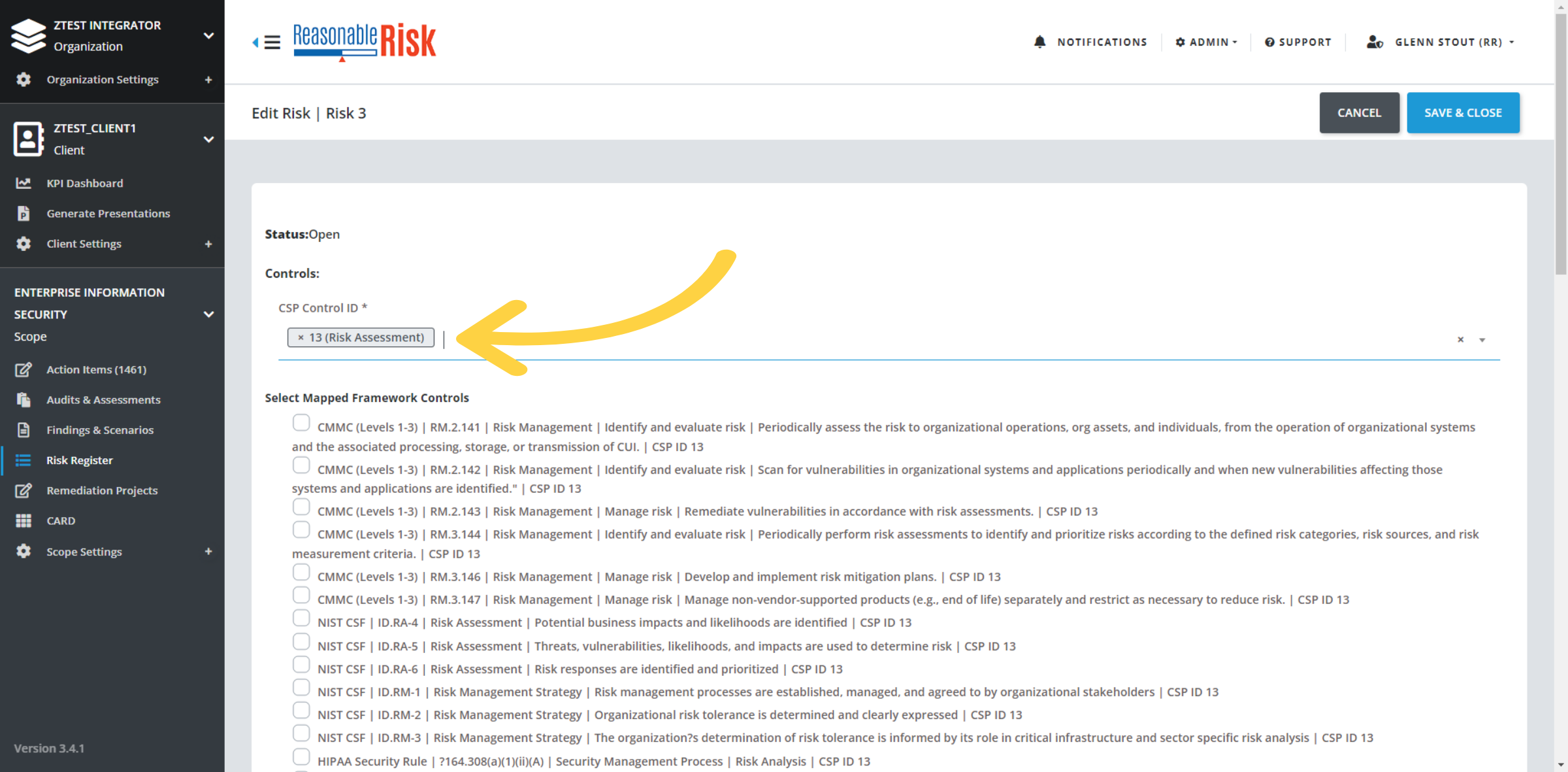
In this example - the Common Security Program selected is Risk Assessment.
Based on what is selected, the mapped controls from the selected frameworks are provided for additional selection.
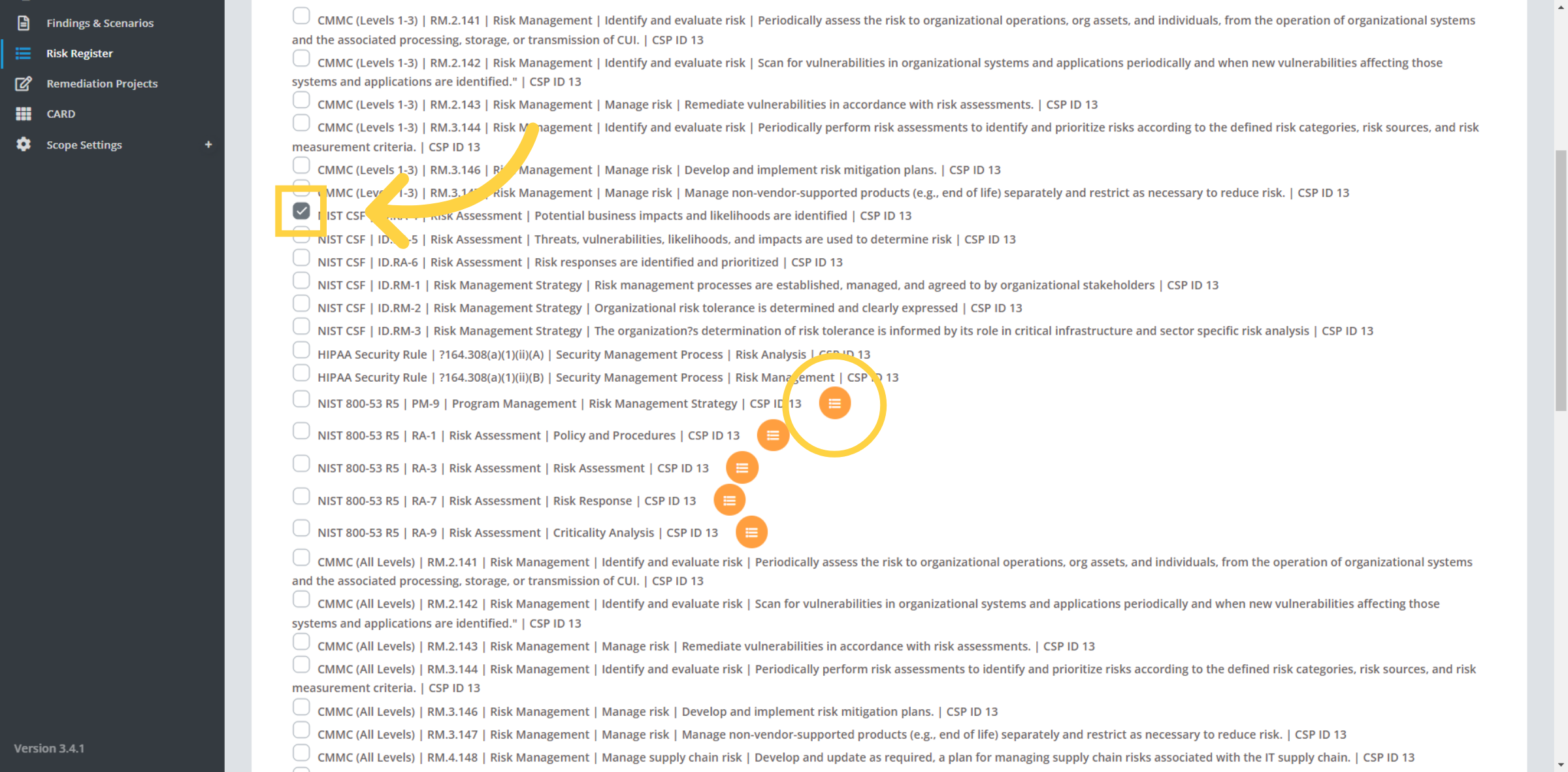
5. Select mapped controls
Select mapped controls - you can choose as many individual controls as appropriate from the frameworks that have been selected for your scope.
The orange circles with lines indicate that another risk in the risk register has already been mapped to that control. This reference allows you to determine if all of the controls in a selected standard have been addressed in your risk register.
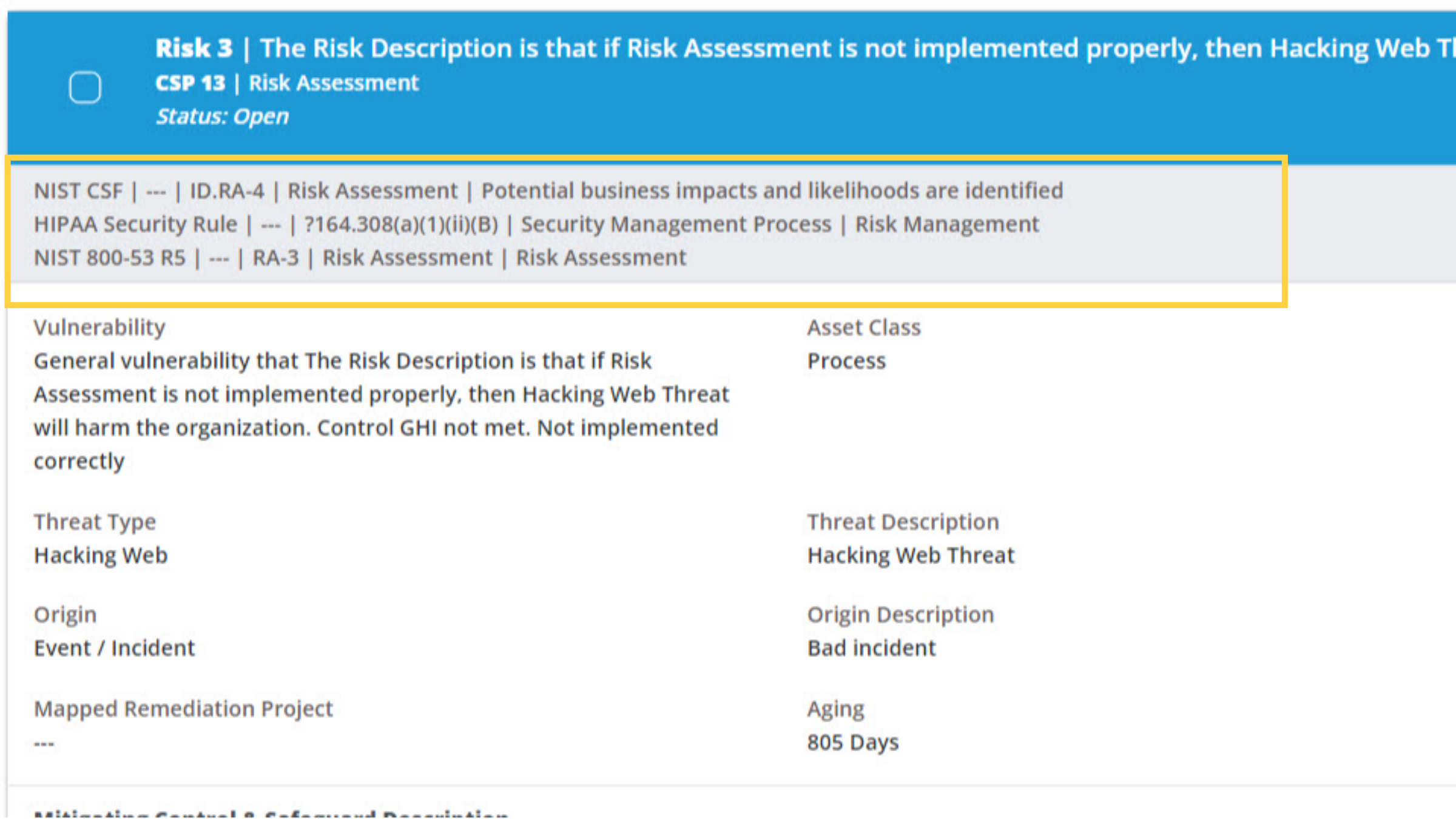
6. Review the mappings
Now when you view the risk, you can see the selected mappings.
Comments
0 comments
Please sign in to leave a comment.