This quick look will demonstrate how the Reasonable Risk Action Items module works and how it drives security risk remediation behavior.
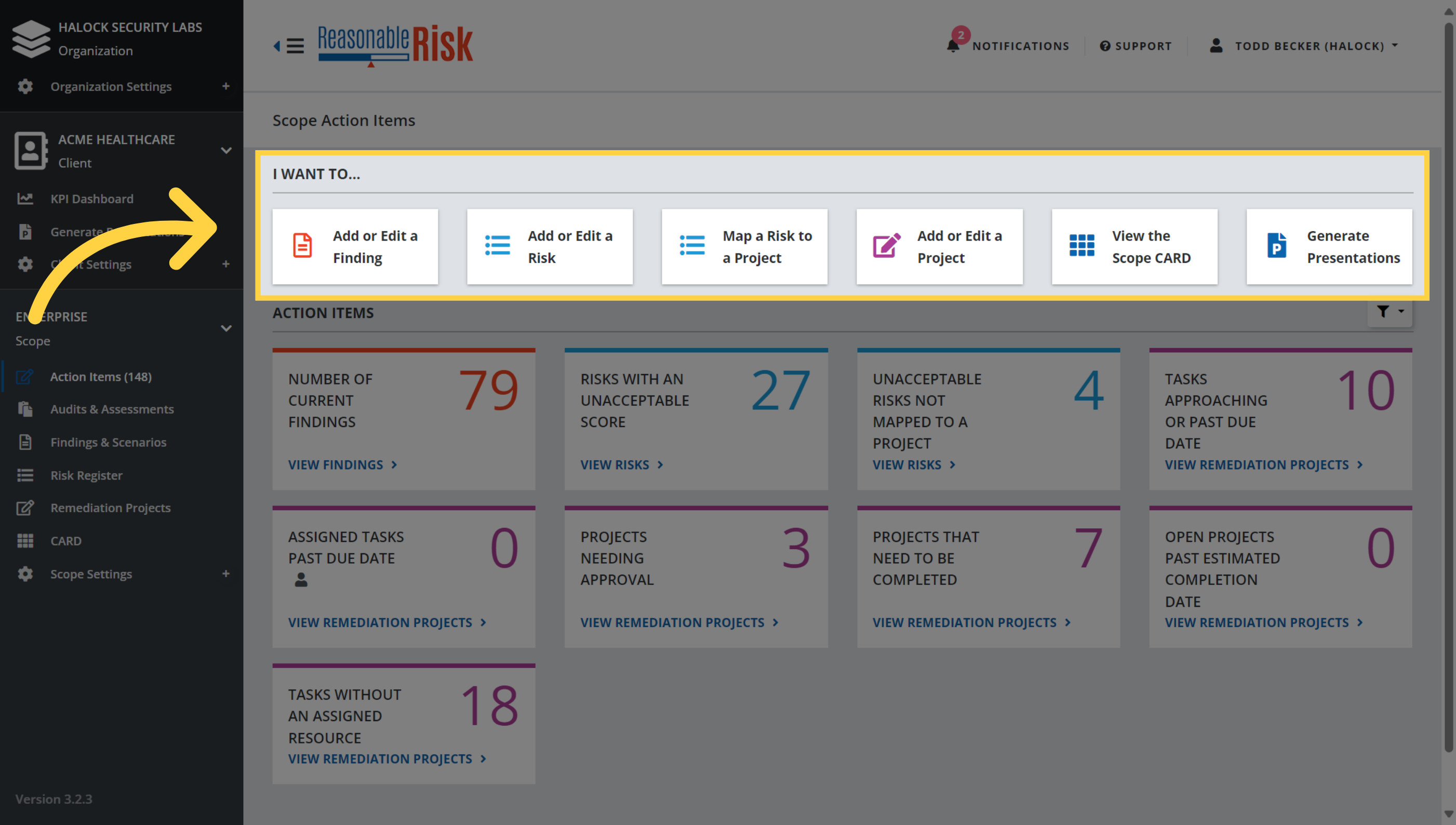
1. "I want to..."
The "I want to..." section of the Action Items page allows the user quick access to create or view each of the major elements of Reasonable Risk. These selections take you to each respective area of the application and allow you to add or edit items as desired.
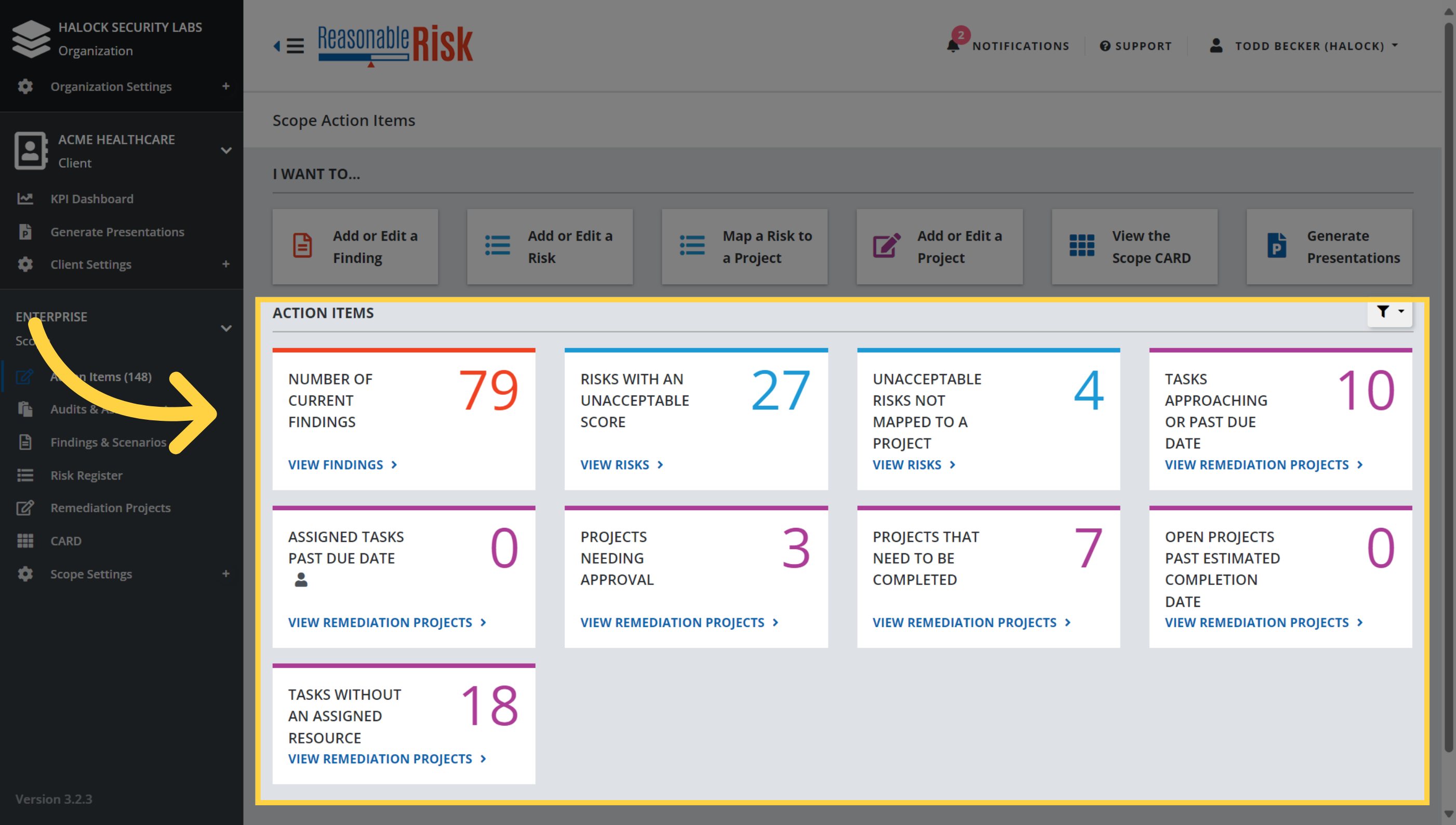
2. Action Tiles
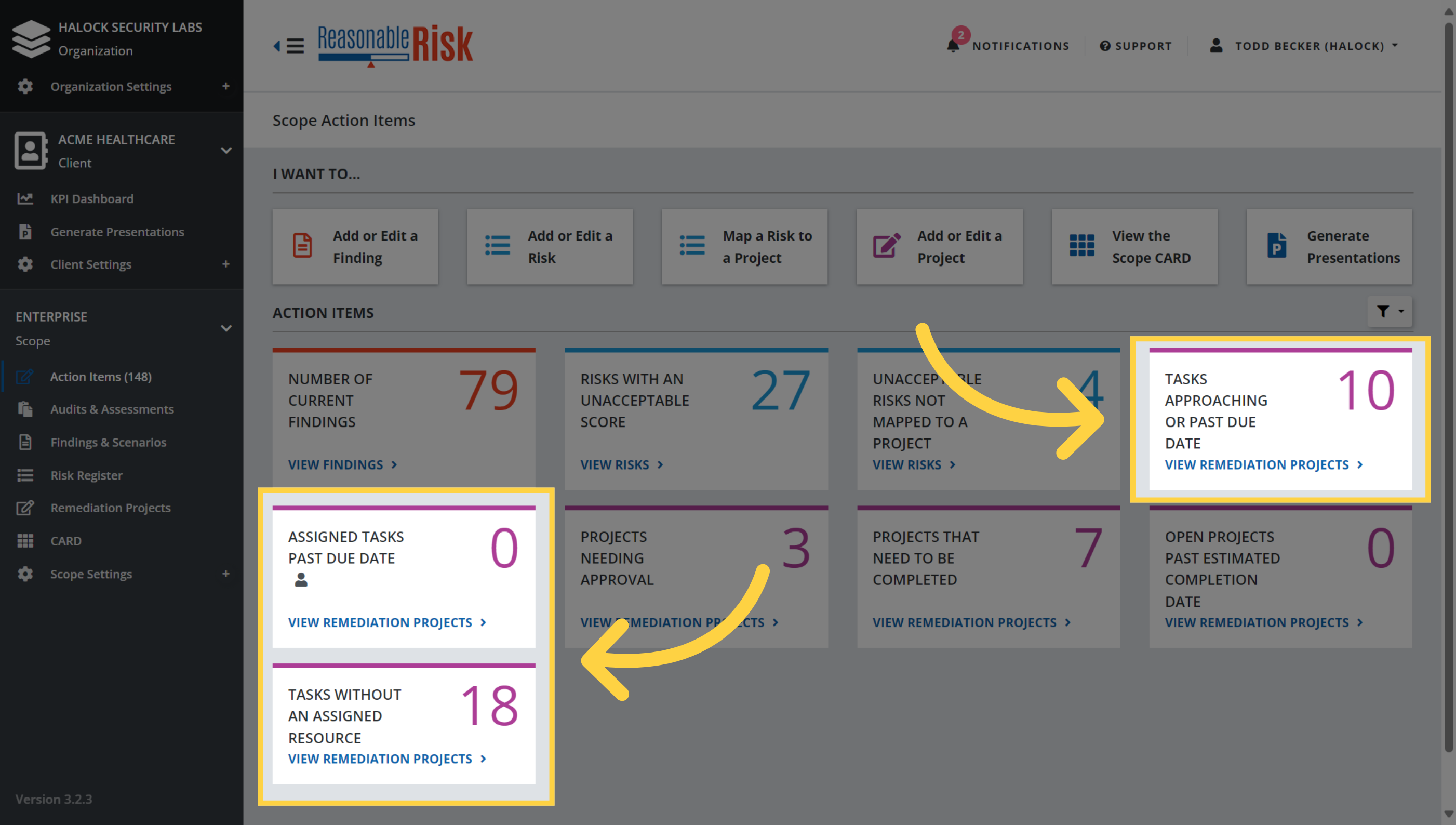
The "Action Items" section is made up of individual "Action Tiles" that provide key metrics about the current scope. Each tile includes a count of items and a link that will navigate to the area of the application to address the item.
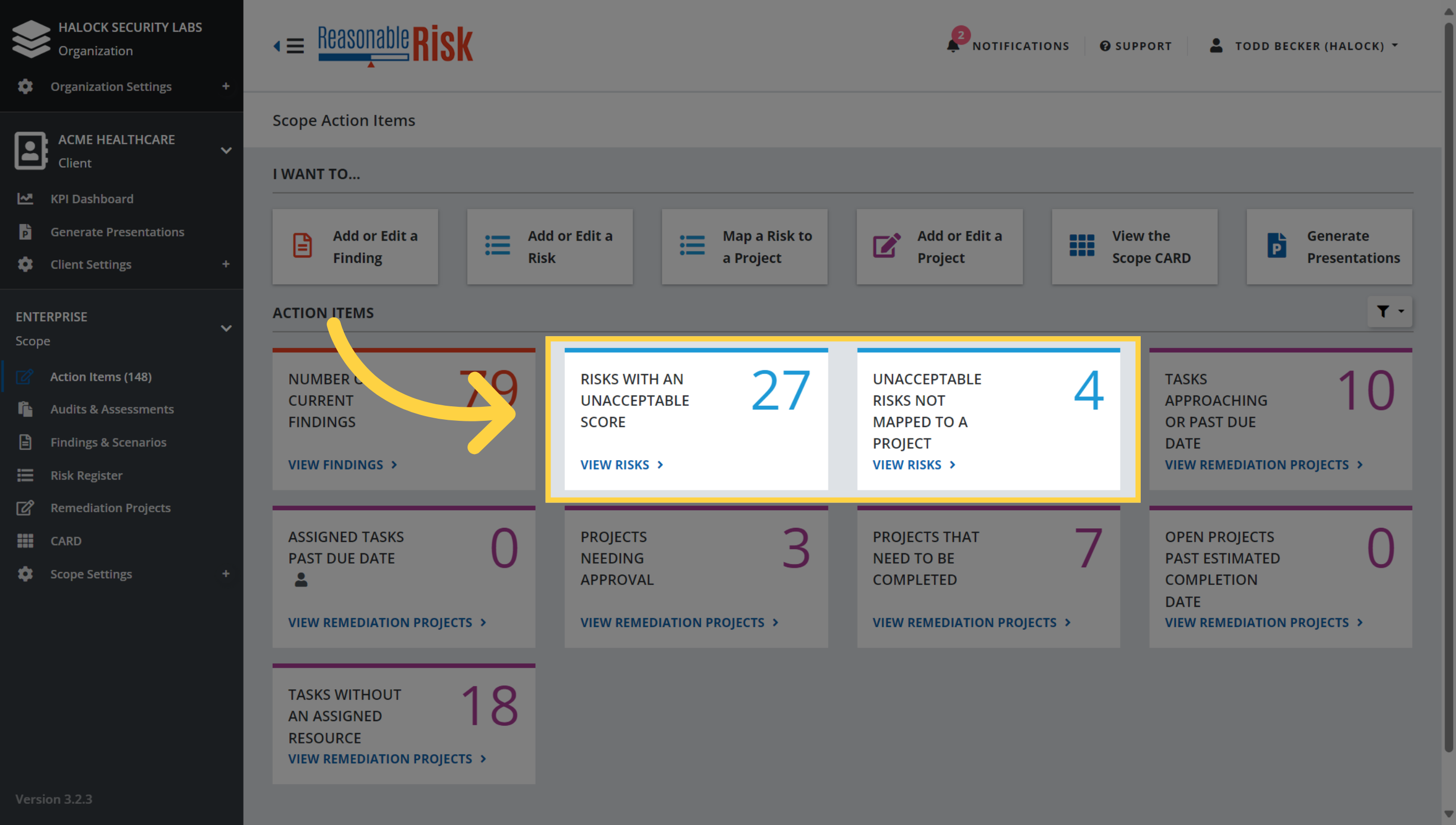
3. Risk Tiles
The "Risks with an Unacceptable Score" tile and the "Unacceptable Risks Not Mapped to a Project" tile provide insight into the unacceptable risks within the scope. As Remediation Projects are worked and completed, the "Risks with an Unacceptable Score" tile count will be reduced. The "Unacceptable Risks Not Mapped to a Project" tile identifies the unacceptable risks that have yet to be added to a project. It is critical to associate risks with projects so that actions can be planned and taken to reduce the risks to an acceptable level.
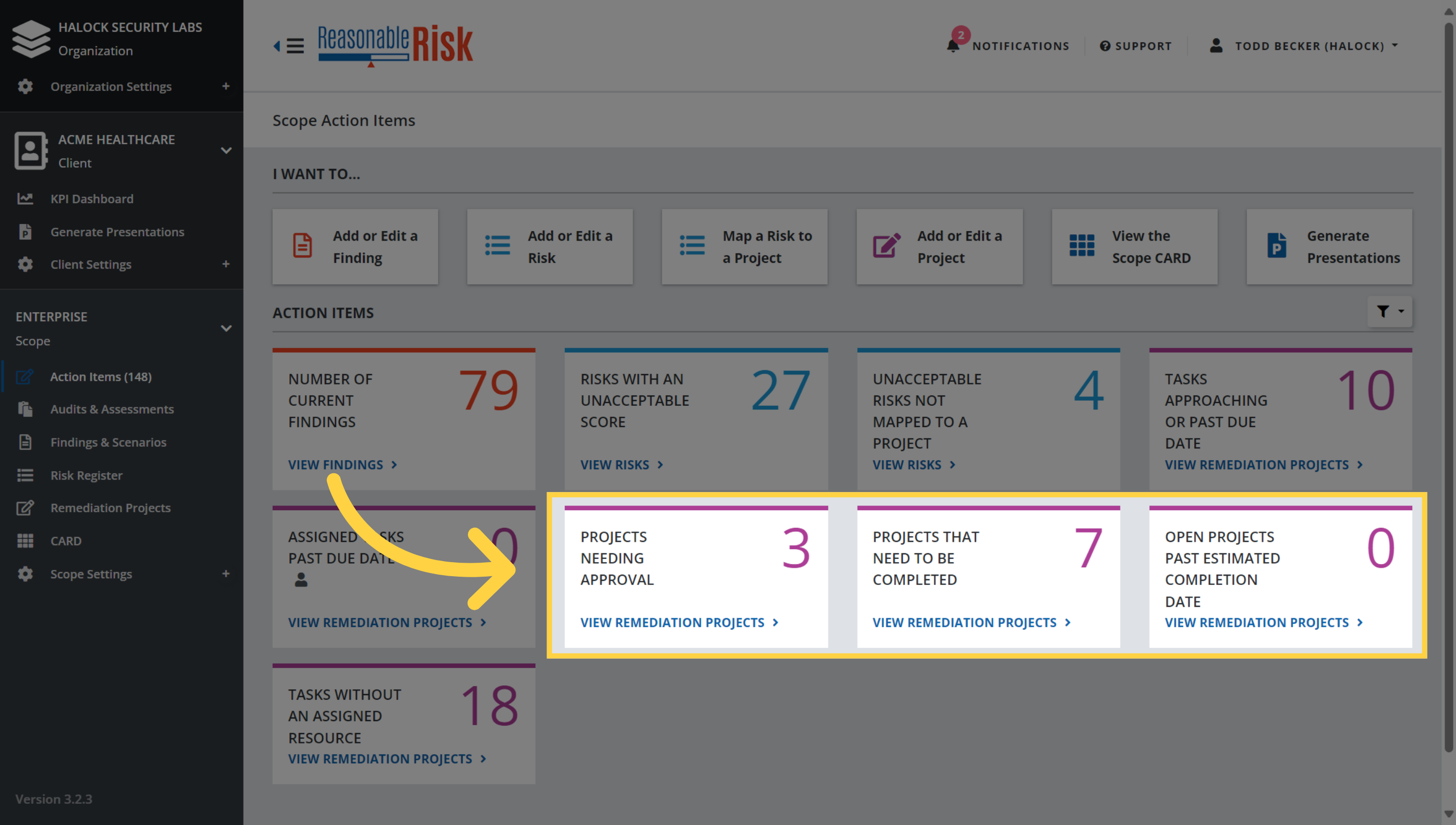
4. Projects Tiles
The "Projects Needing Approval", "Projects that Need to be Completed", and "Open Projects Past Estimated Completion Date" tiles provide insight into status of projects within the scope. These tiles allow the user to quickly identify projects that need attention and should be reviewed for approval or updates to the project timeline.
5. Task Tiles
The "Tasks Approaching or Past Due Date", "Assigned Tasks Past Due Date", and "Tasks Without an Assigned Resource" tiles provide insight into status of tasks within the scope. These tiles allow the user to quickly identify tasks on projects that need attention and should be reviewed. Task identification, assignment, and completion are a fundamental element of effective risk management.
This quick look demonstrated how the Reasonable Risk Action Items module works and how you may use it to drive security risk remediation behavior.
Comments
0 comments
Please sign in to leave a comment.