1. What does it mean?
In the Action Items module, there is an Action Tile for "Tasks Approaching or Past Due Date".
This Action Tile presents a count of tasks that have a due date that is approaching or is past due.
Tasks are a fundamental component to effectively manage risk in your security program. We use tasks in a Remediation Project to establish activities and milestones necessary to reduce risk to an acceptable level. Tasks are assigned a start and end date, these dates are used to forecast completion of the overall Remediation Project, and therefore the planned reduction of risk in the future.
Tasks that are approaching or have past their due date represent activities and milestones that are not tracking to plan. Our goal is to drive this number to zero, ensuring that all tasks are completed as expected, or that timelines are adjusted to reflect current capabilities.
Let's see how we can use this tile to help address this issue.
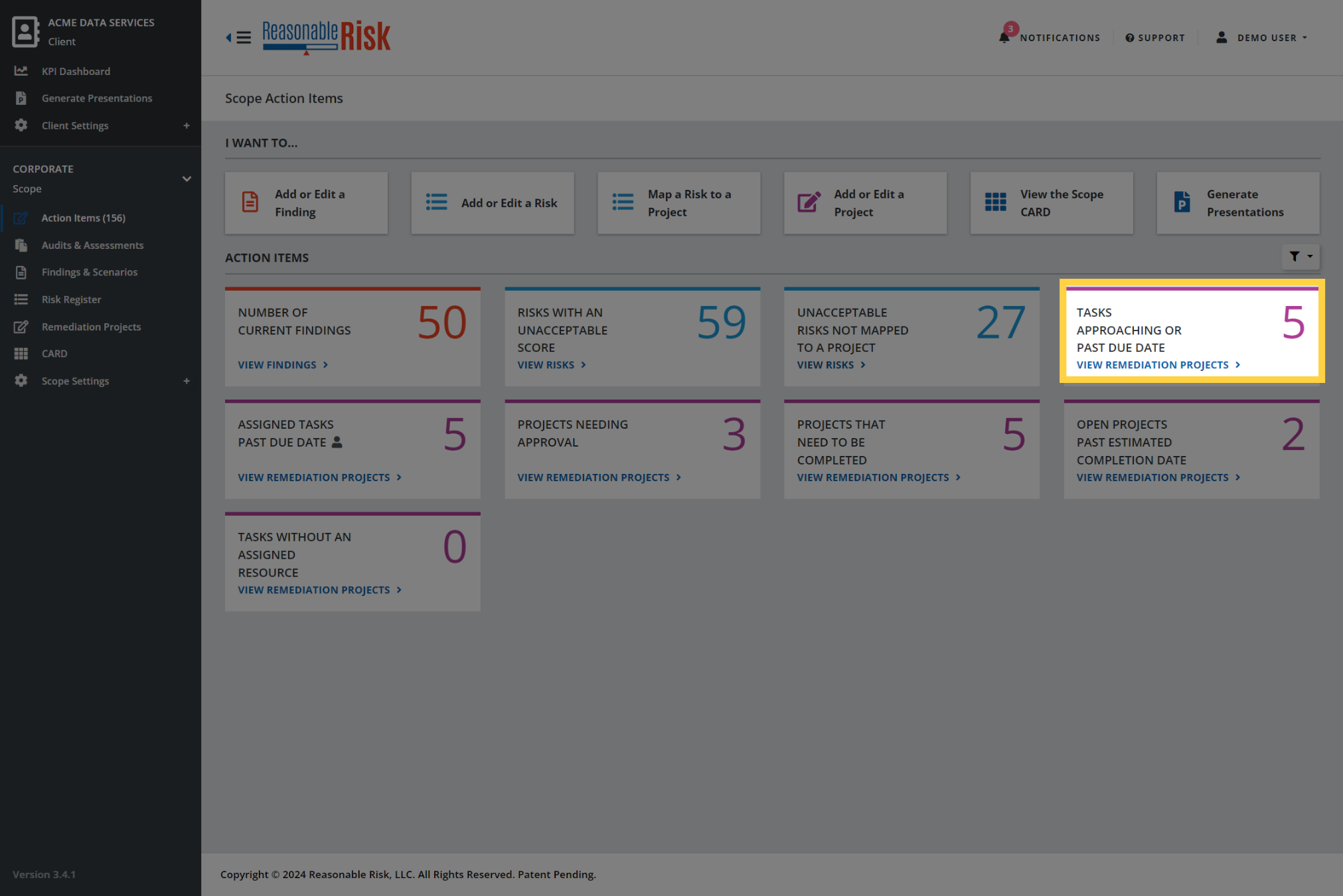
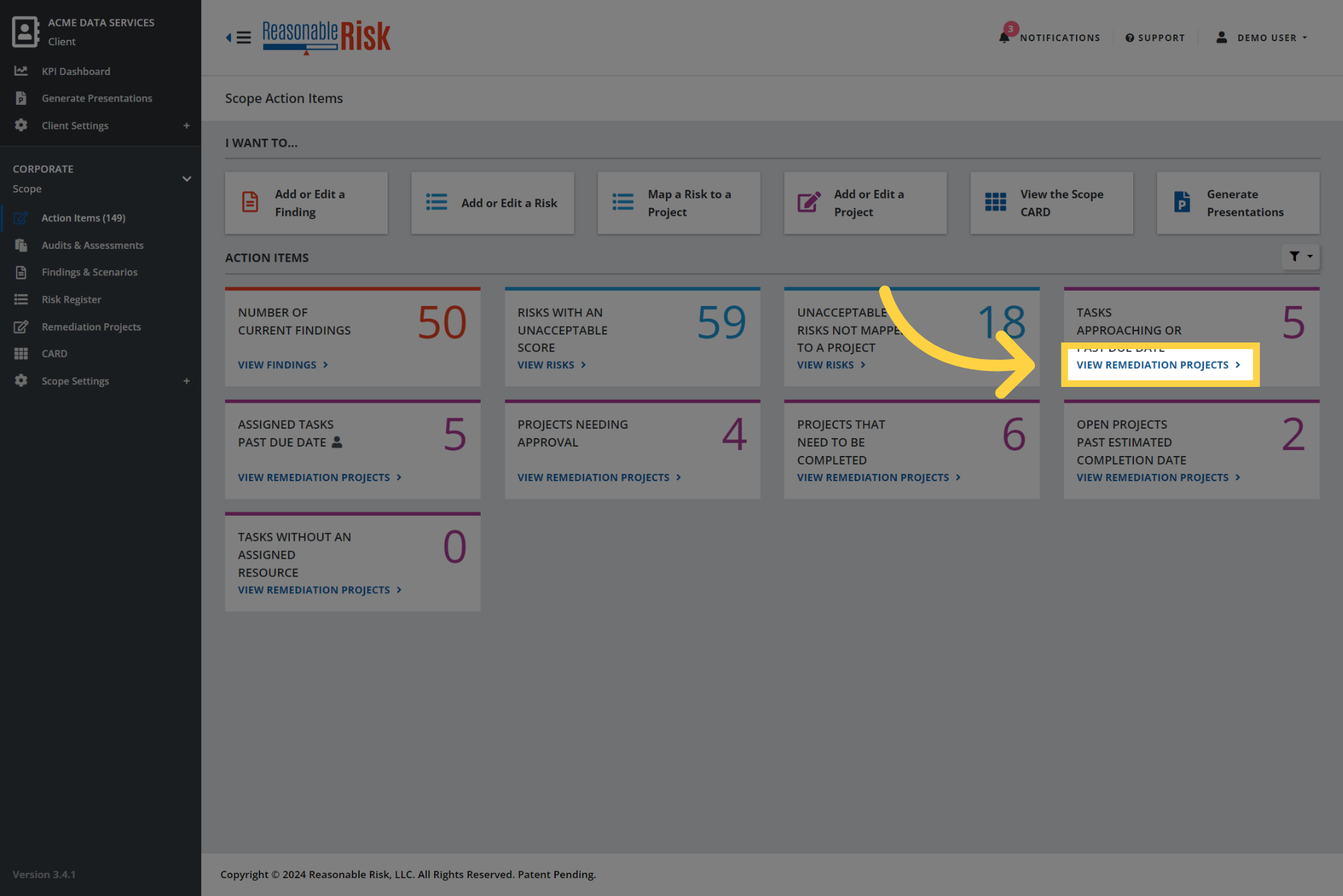
2. Click "View Remediation Projects"
Clicking on the "View Remediation Projects" link in the Action Tile, will open the Remediation Projects module and set a filter to show this specific group of projects.
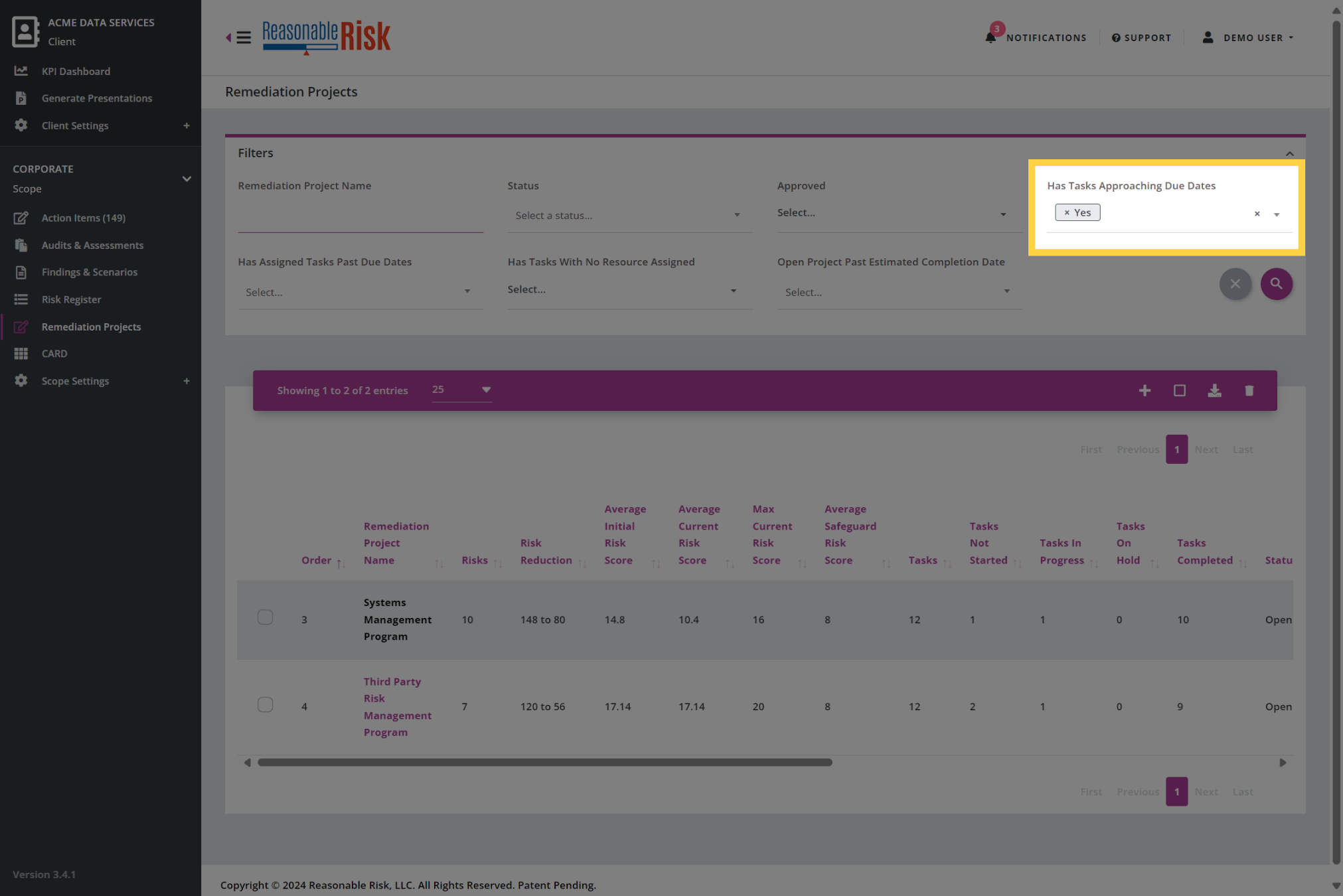
3. Applied filters
The "Has Tasks Approaching Due Dates" field is filtered so that only Remediation Projects with upcoming or past due dates are displayed.
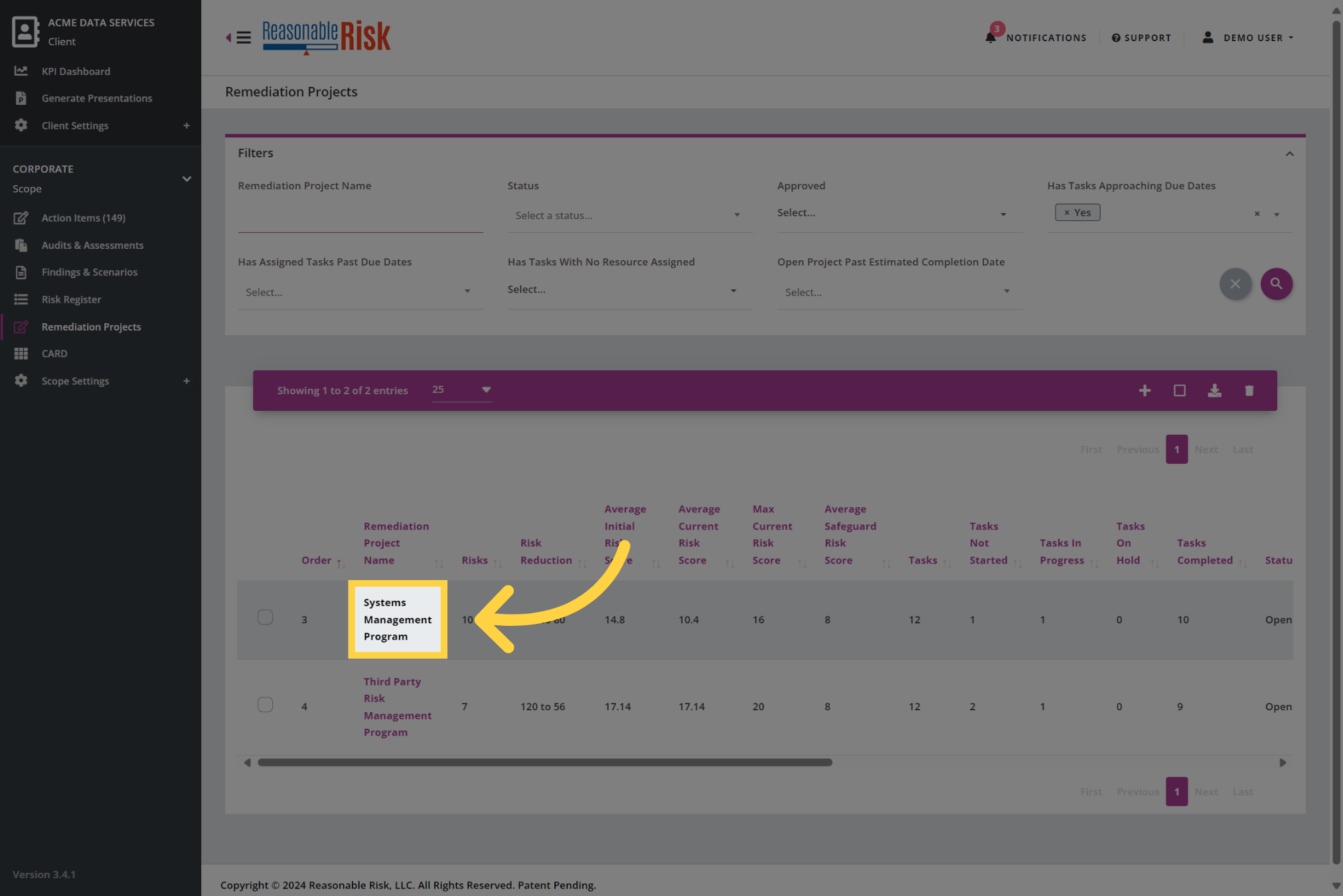
4. Open a remediation project
Open a Remediation Project from the list so we can review and update the existing tasks. You will want to make sure to review each project in this filtered list.
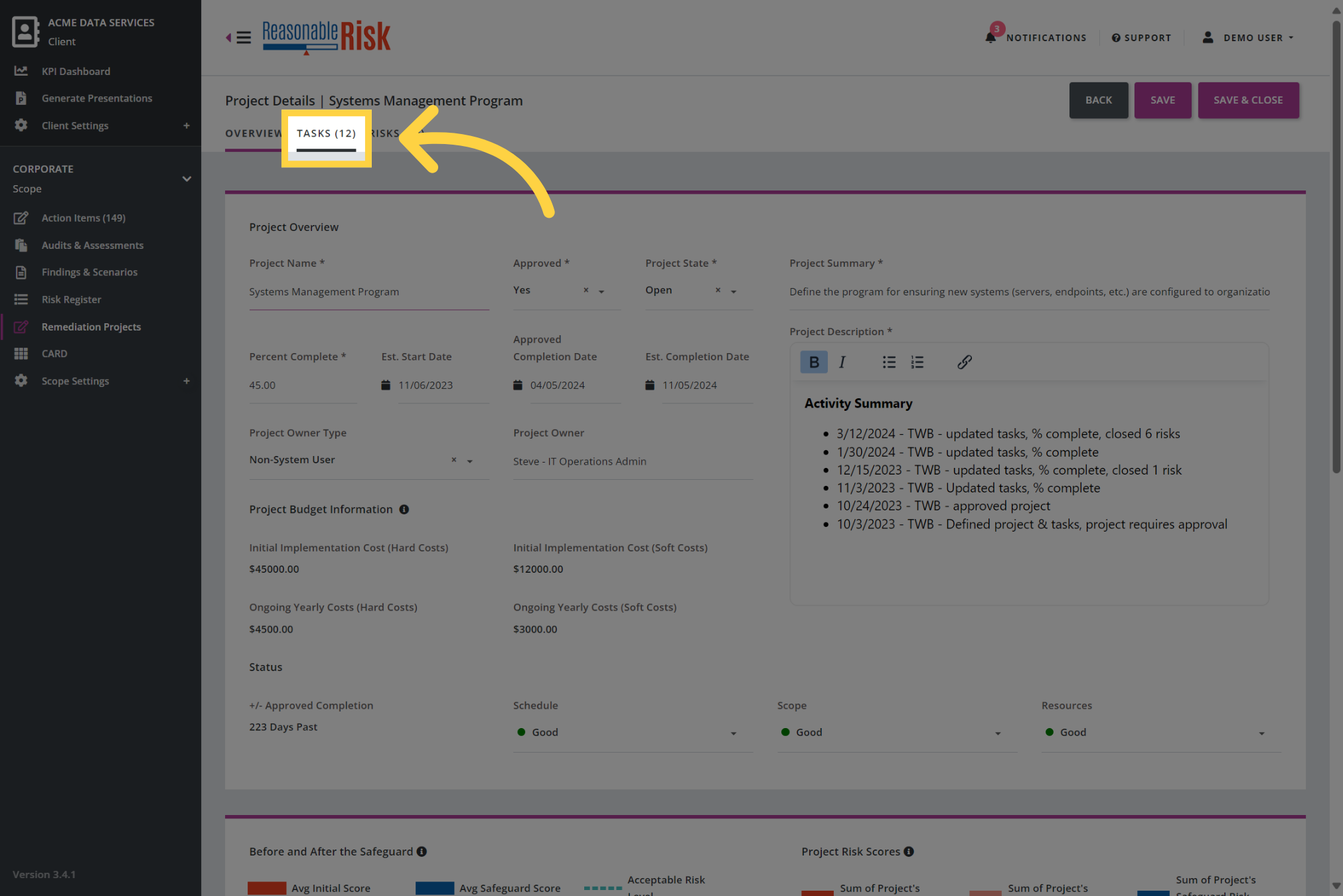
5. Click the Tasks tab
Now, click on the Tasks tab so that you can review and update the list of existing tasks.
6. Review the tasks
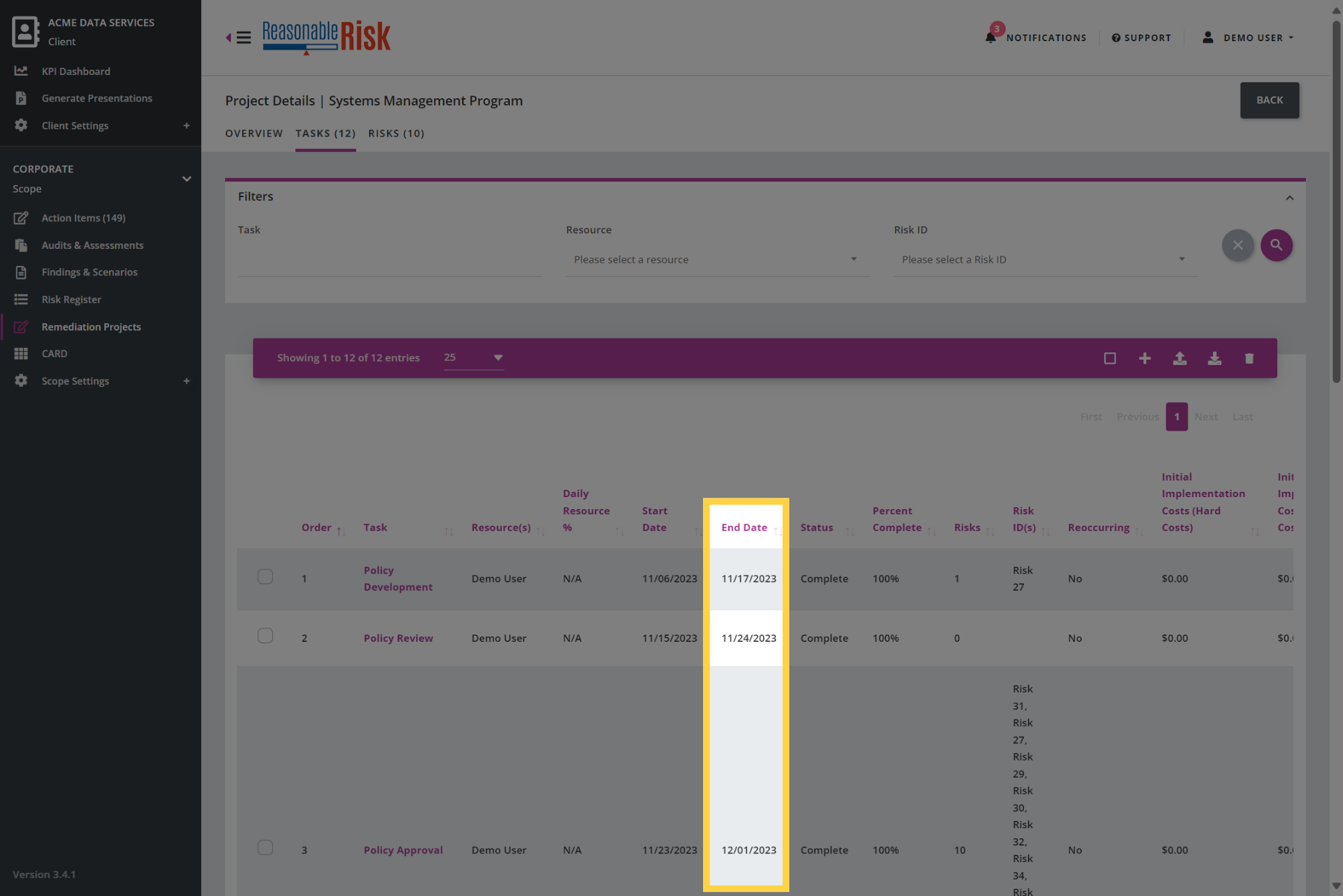
Review each task, particularly, evaluate each task with an End Date that is past or approaching.
It is important to make sure that End Dates and the Task Status are accurate and reflect current capabilities.
These updates are a key part of the overall risk management process and must be performed regularly.
Comments
0 comments
Please sign in to leave a comment.