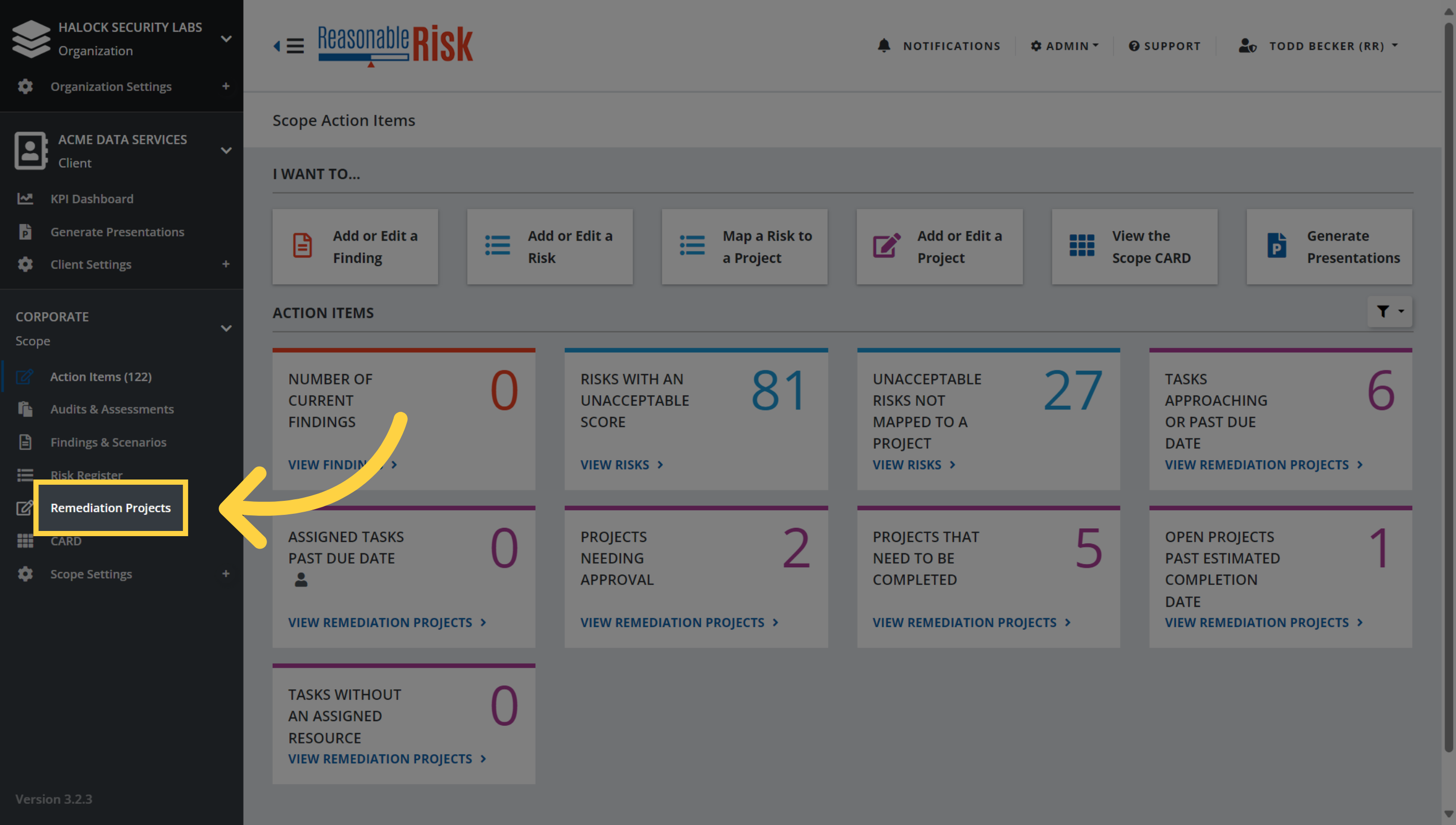
1. Map a Risk to a Project from a Remediation Project.
On the Action Items page, navigate to the Remediation Projects section to select the project that you would like to map risks to.
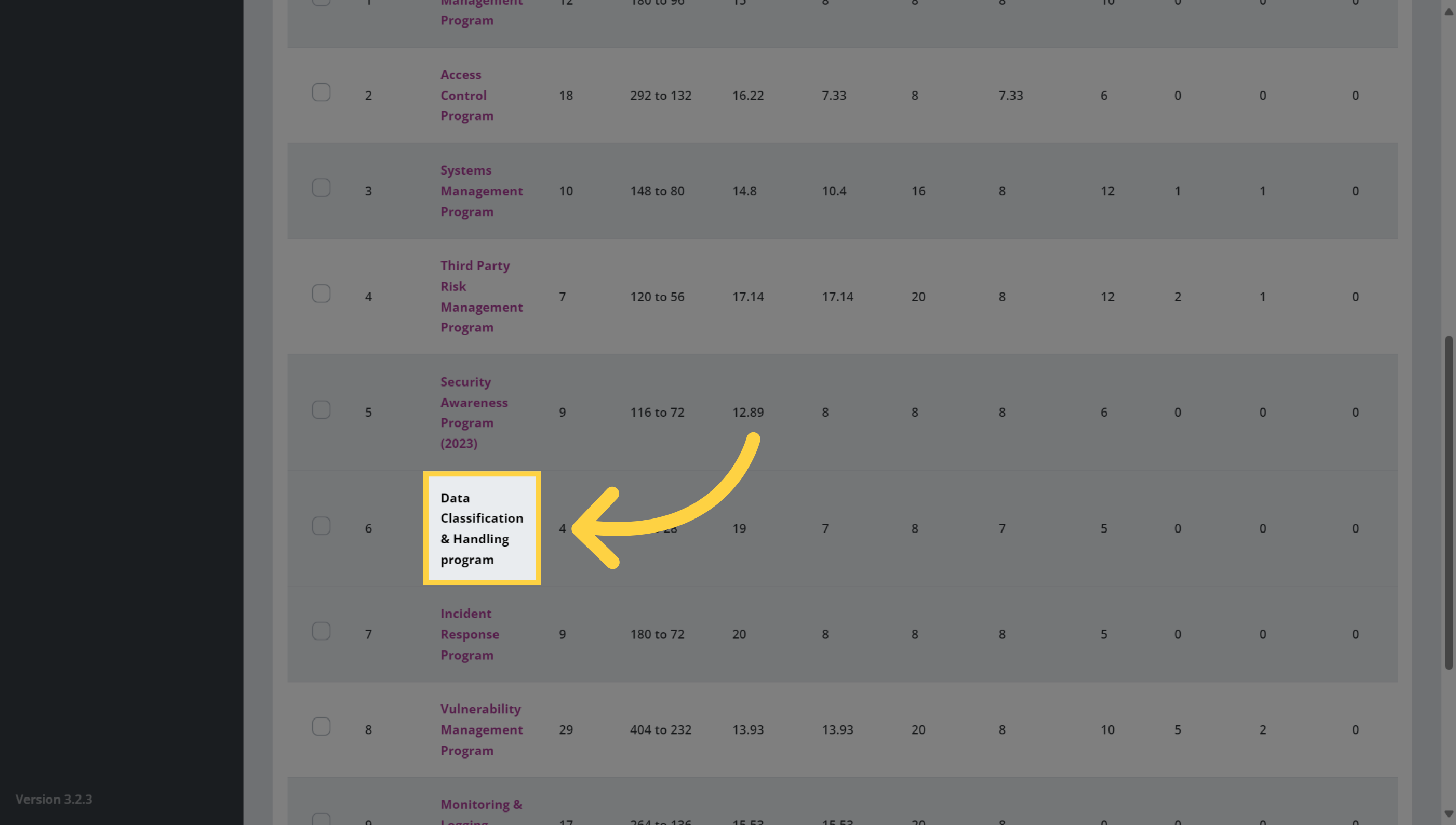
2. Select an existing project
Select an existing Remediation Project.
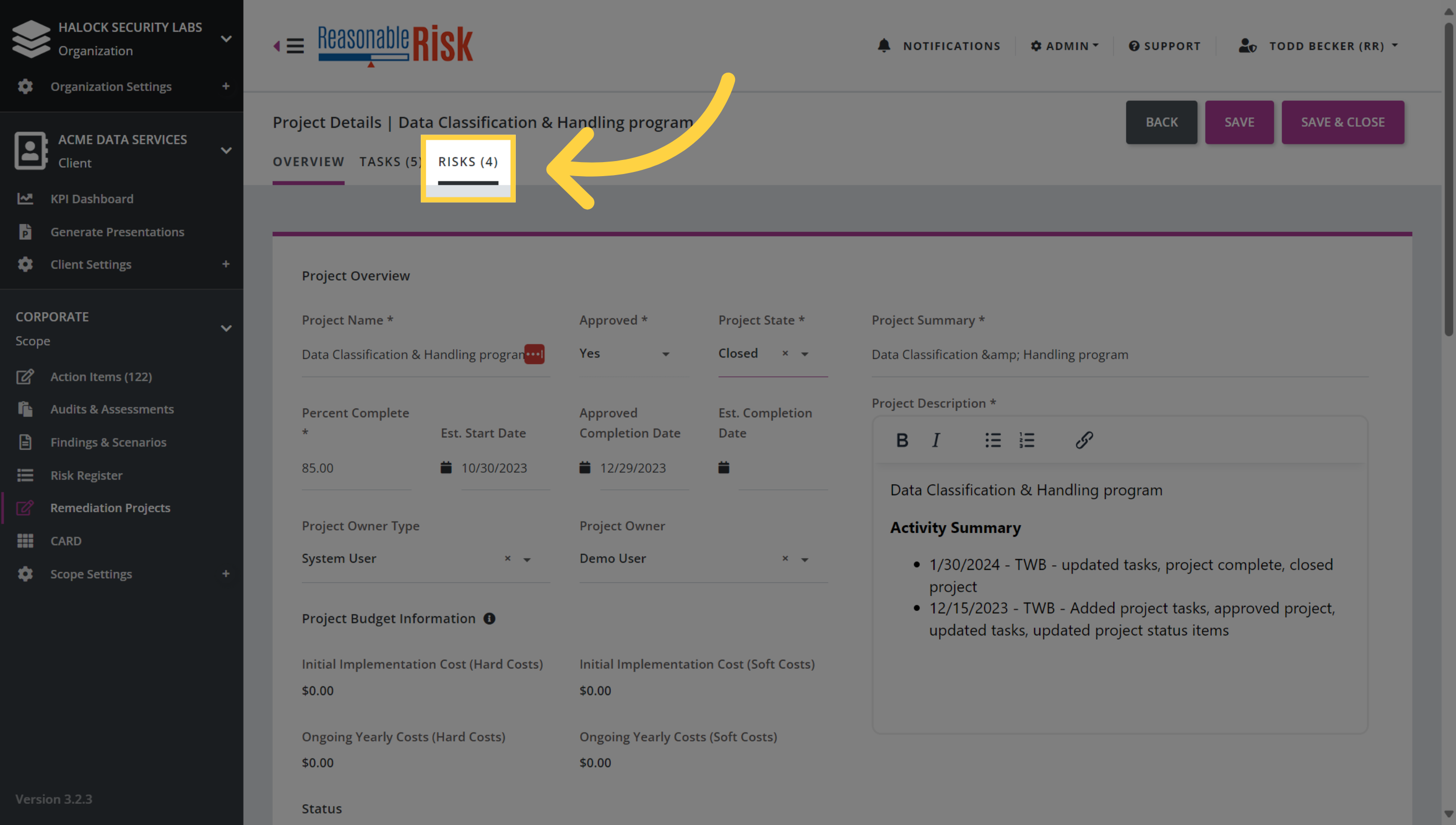
3. Select the 'Risks' tab
Click to navigate to the Risks tab for the project.
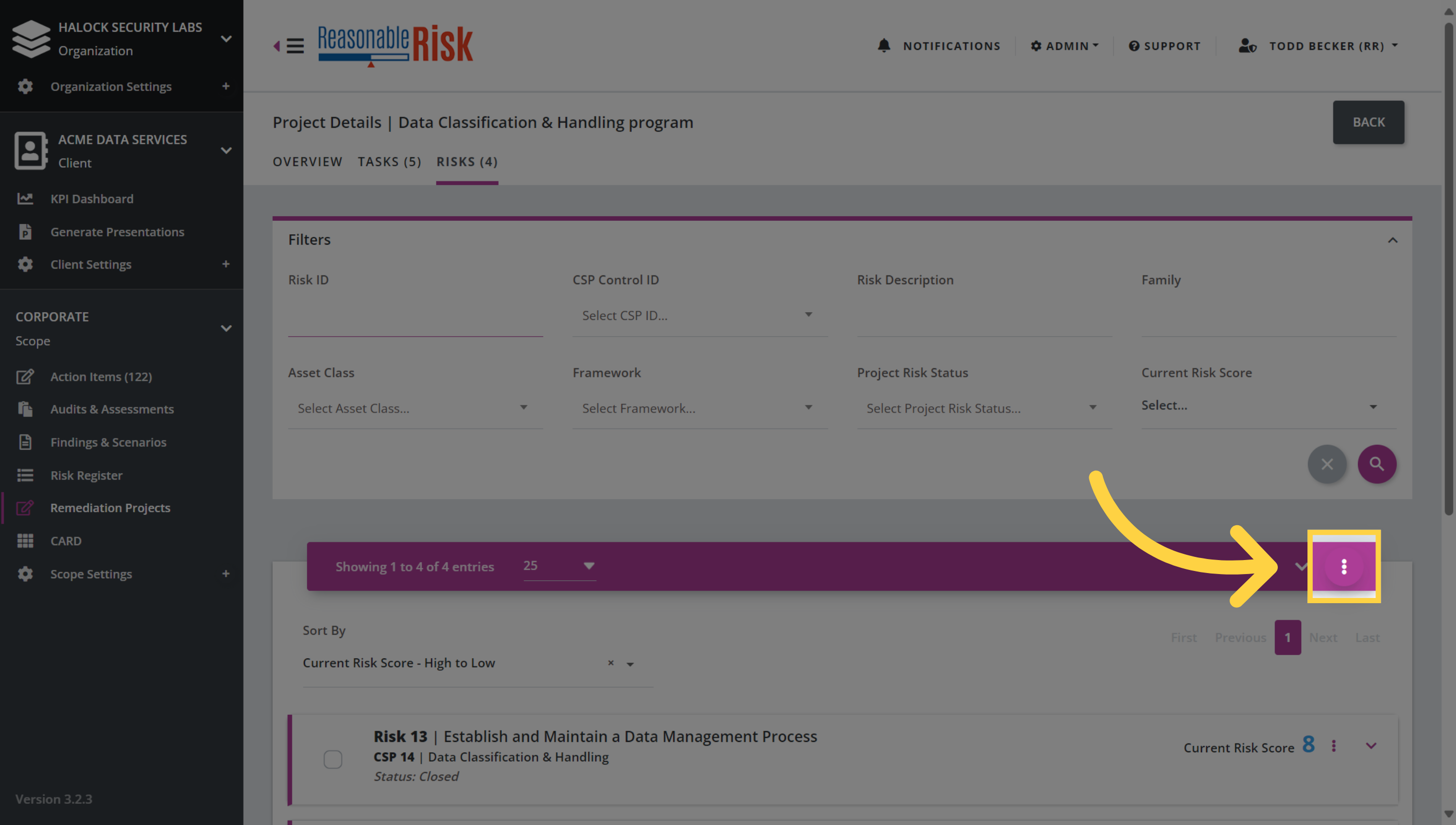
4. Click three dots menu
Click on the three dots menu.
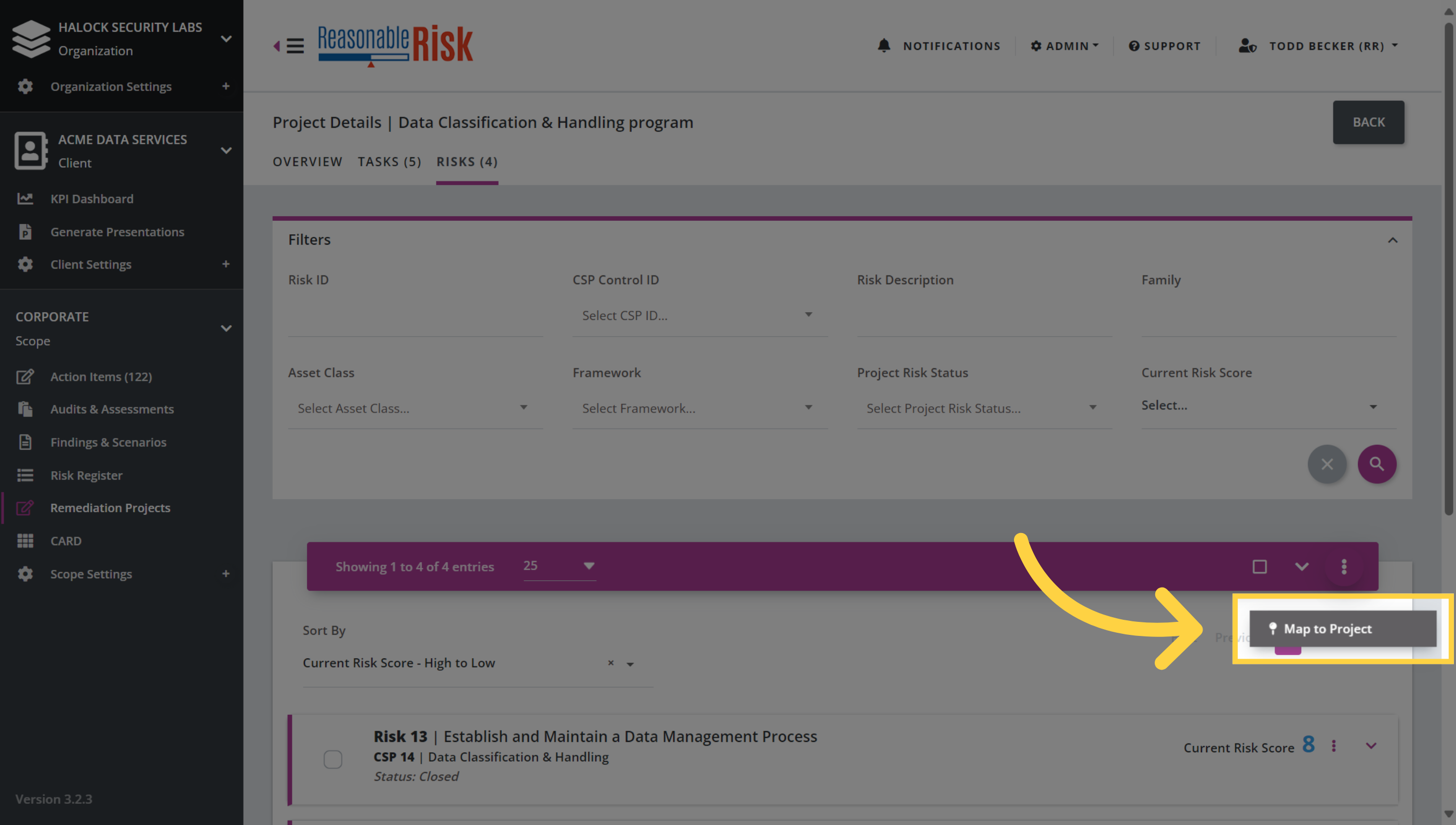
5. Select "Map to Project"
Now choose the 'Map to Project' option.
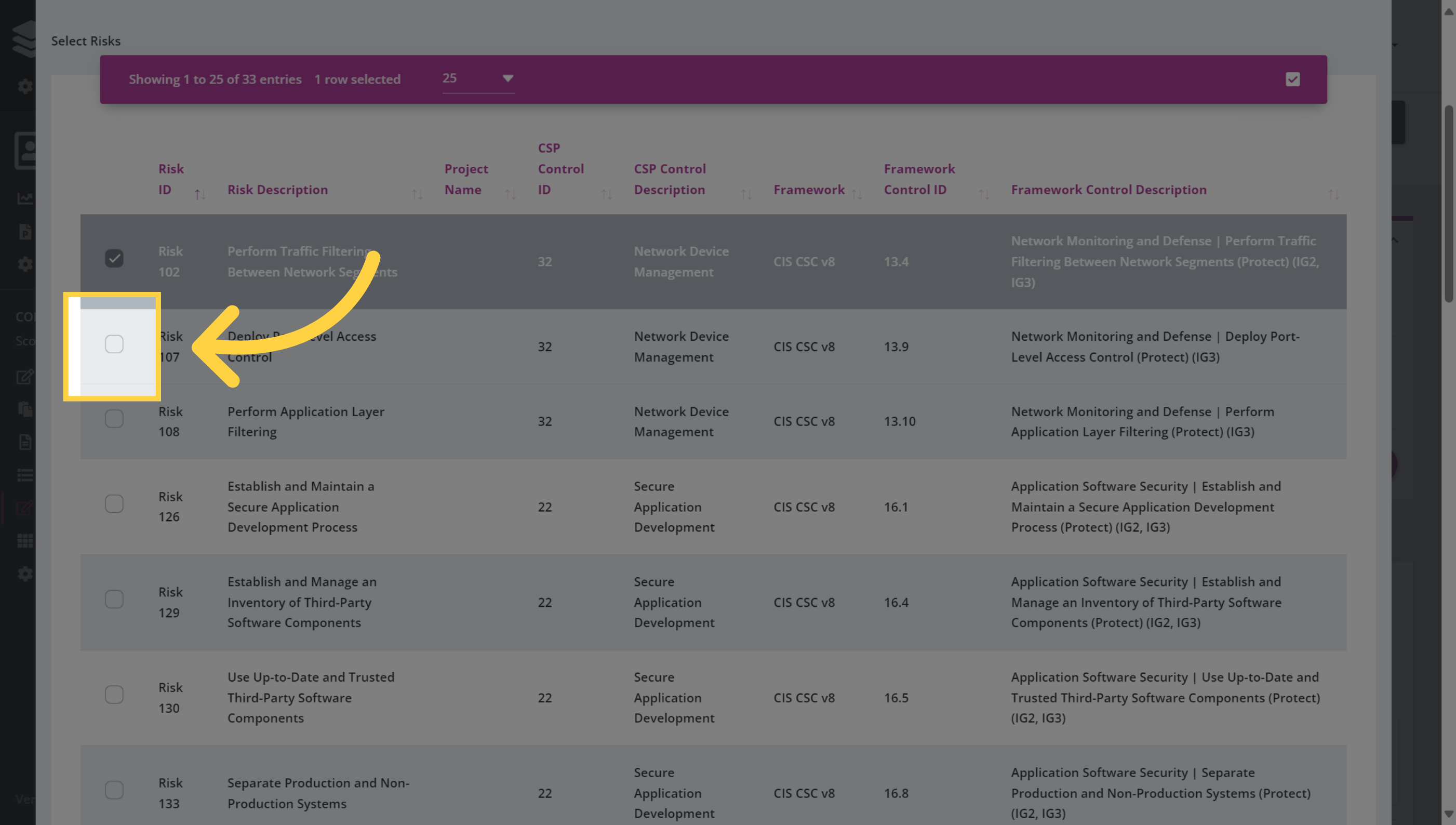
6. Select Risks
Use the search/filter to identify and then select the risks that you would like to add to a Remediation Project.
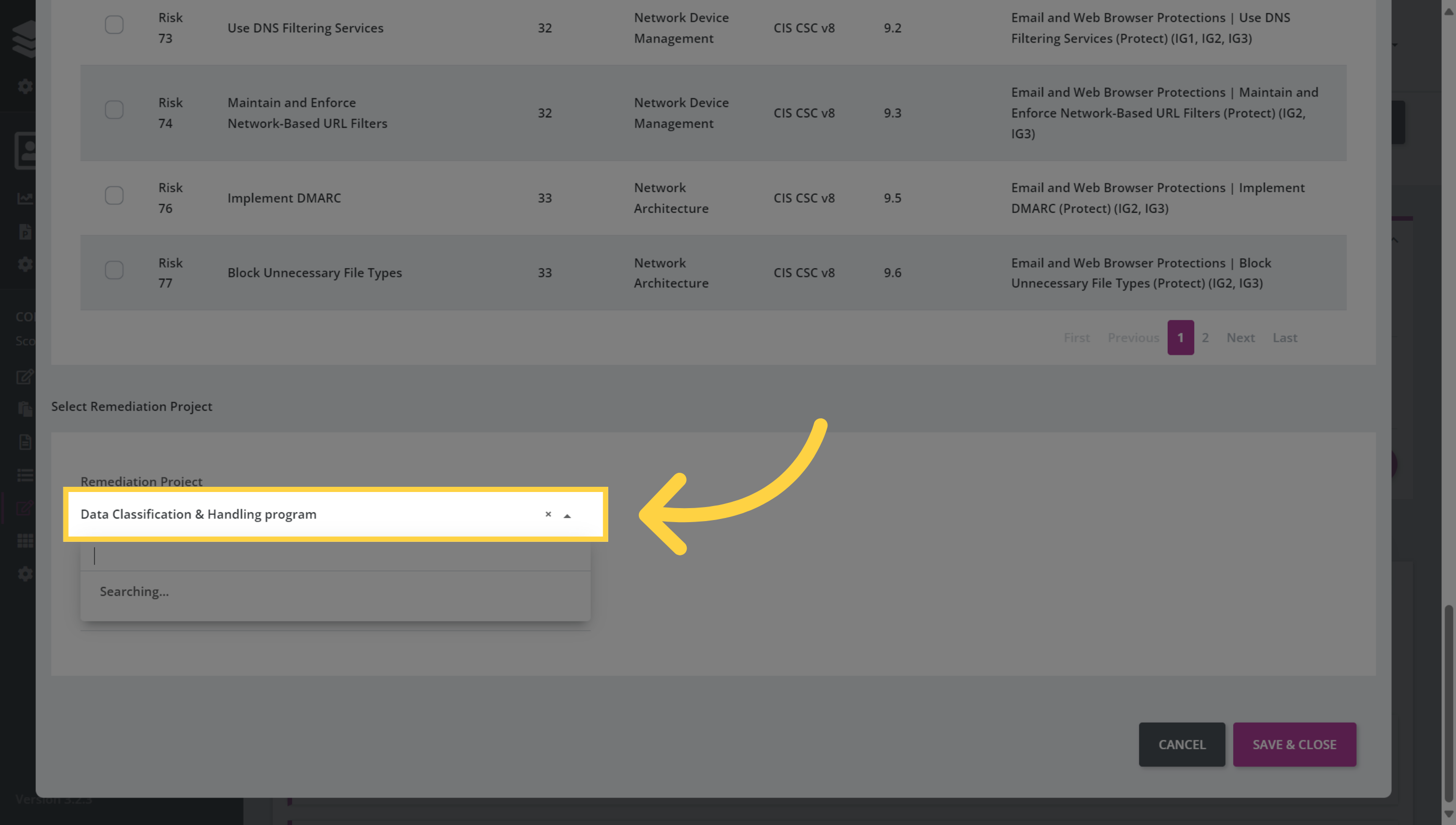
7. Select the Remdiation Project
Click on the drop down menu to select from a list of current projects to map the risks to. You could also create a new project here if necessary.
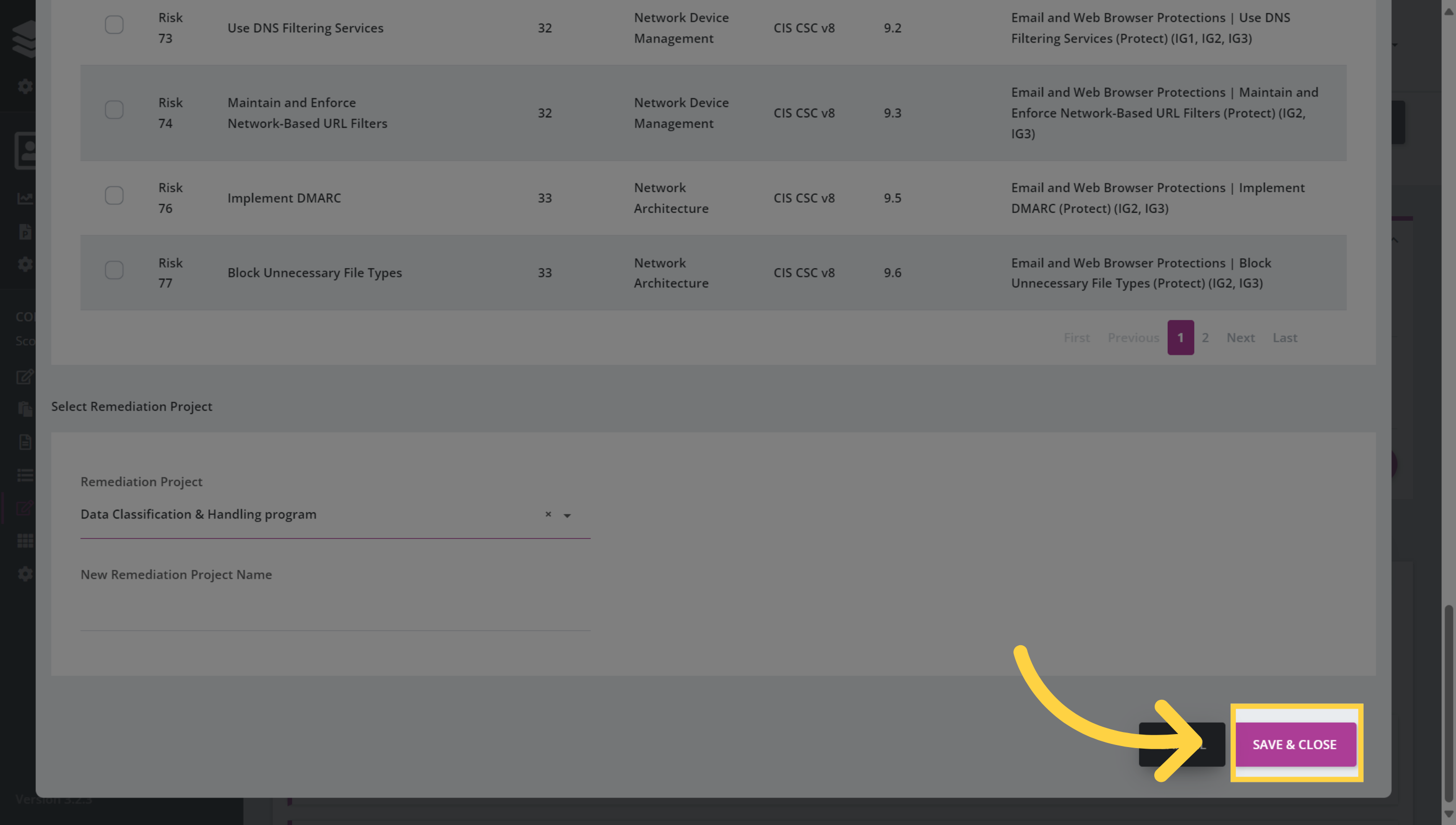
8. Click "Save & Close"
Once you have selected the Remediation Project, click Save & Close to complete the process and close the window.
Comments
0 comments
Please sign in to leave a comment.