Enhance your risk management process by adding Risks to a Remediation Project in Reasonable Risk. This guide will walk you through the steps required to add Risk items to Remediation Projects in Reasonable Risk from the Risk Register.
1. Map a Risk to a Project from the Risk Register.
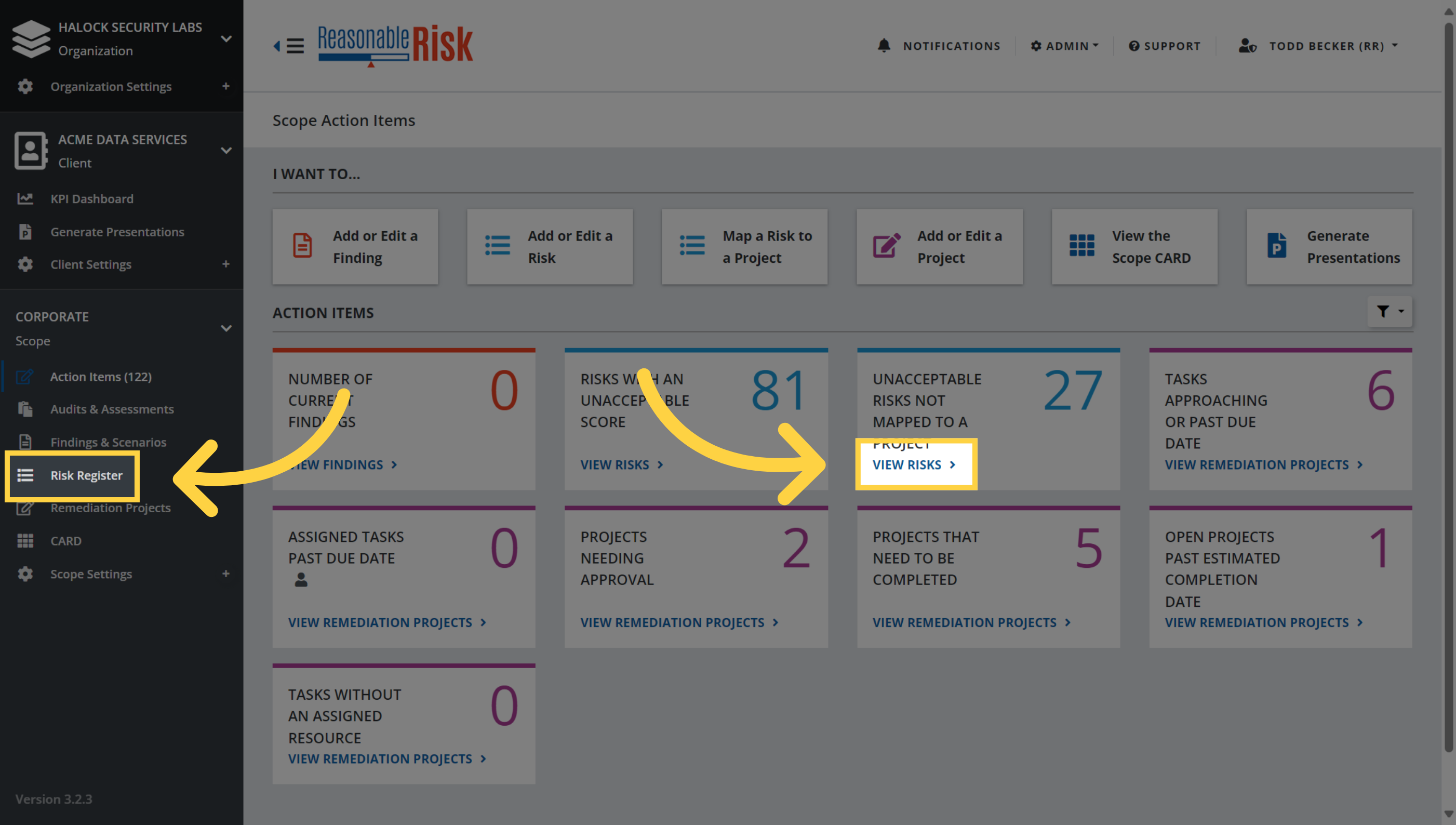
On the Action Items page, navigate to the Risk Register by selecting one of these options.
2. Select Risks
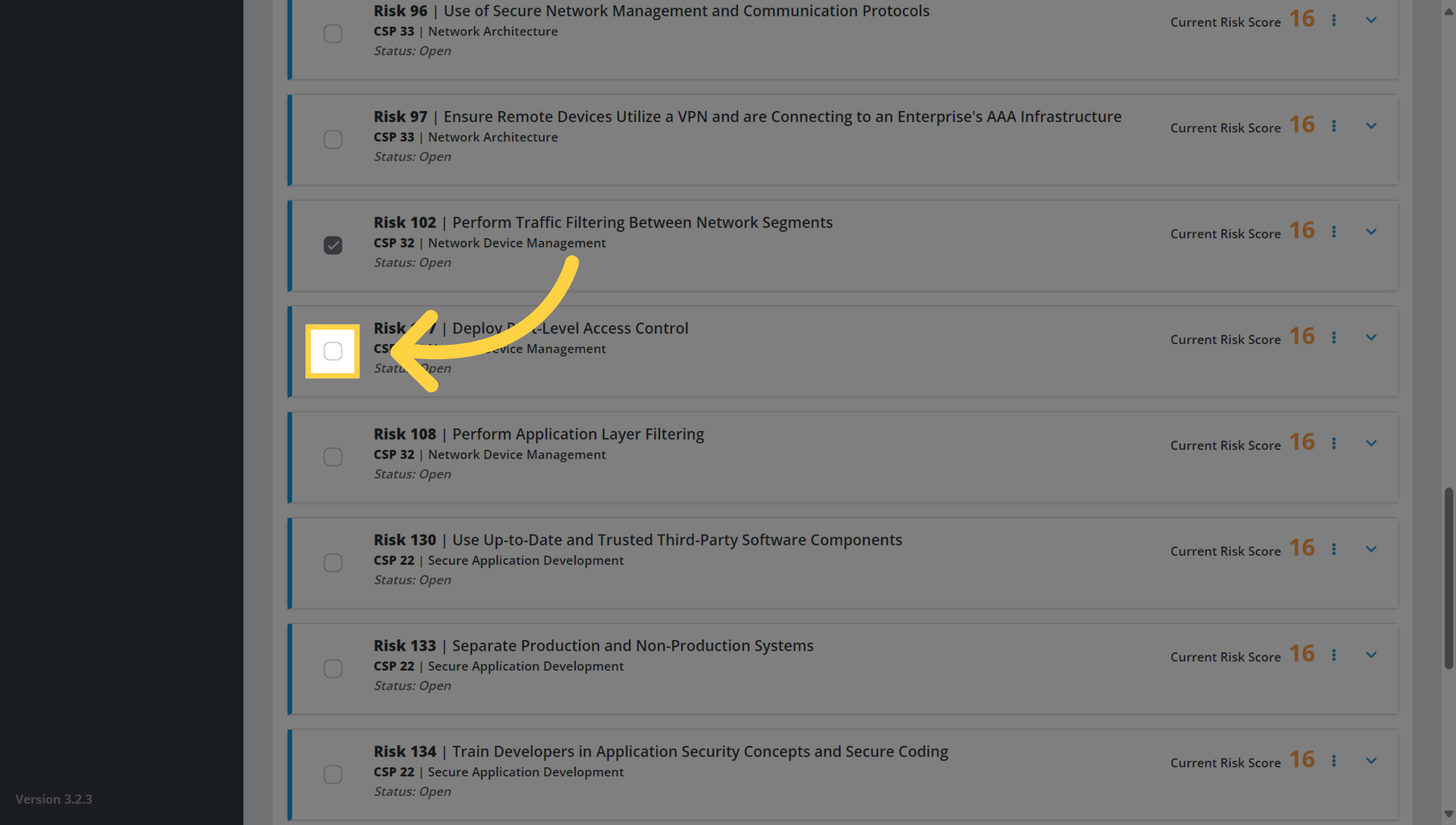
In the risk register, search for and select the risk items that you would like to add to a remediation project.
3. Click "Other Actions"
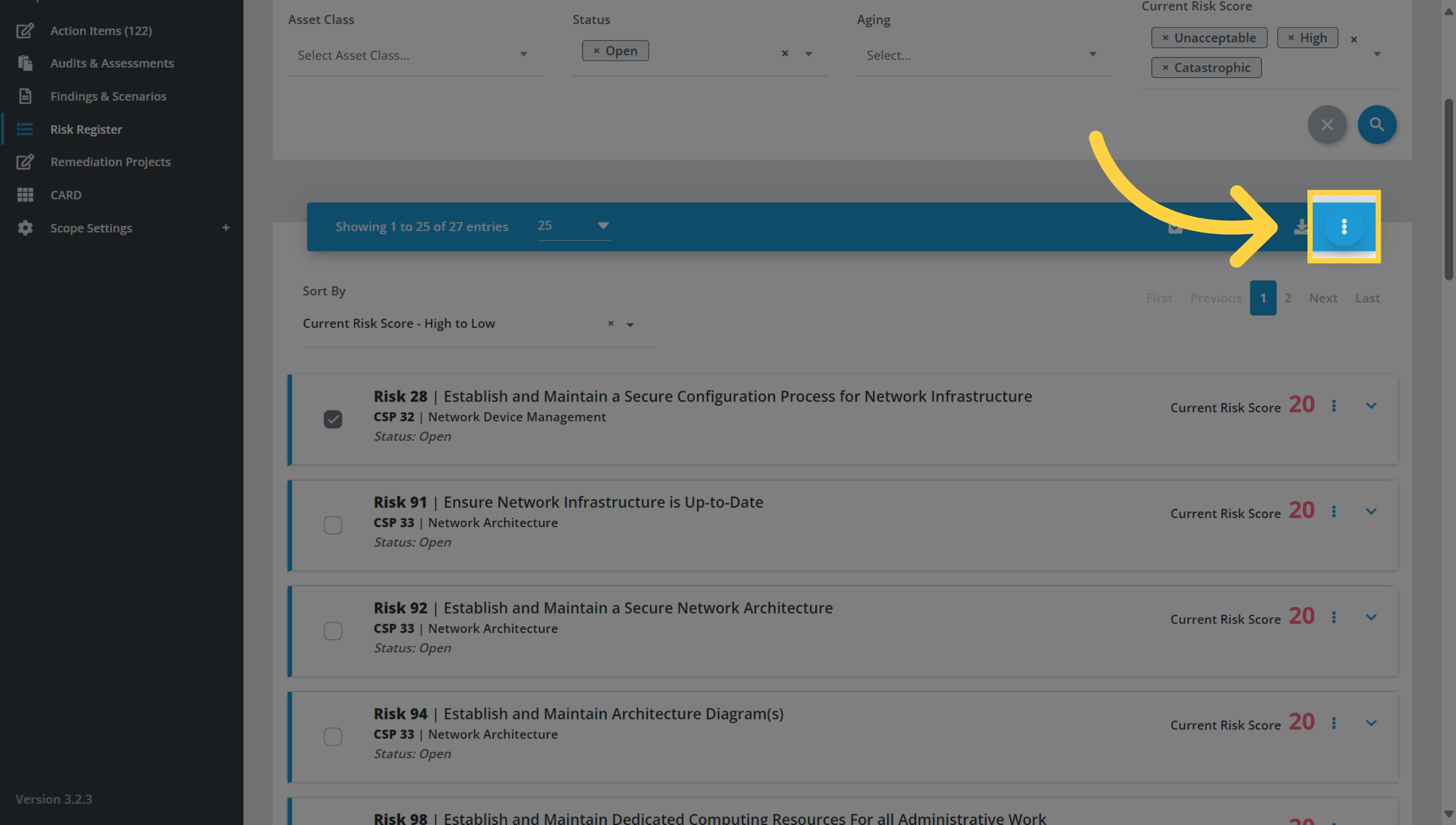
Once you have selected all of the risks that you would like to add to a project, click on the three dots menu.
4. Click "Map to Project"
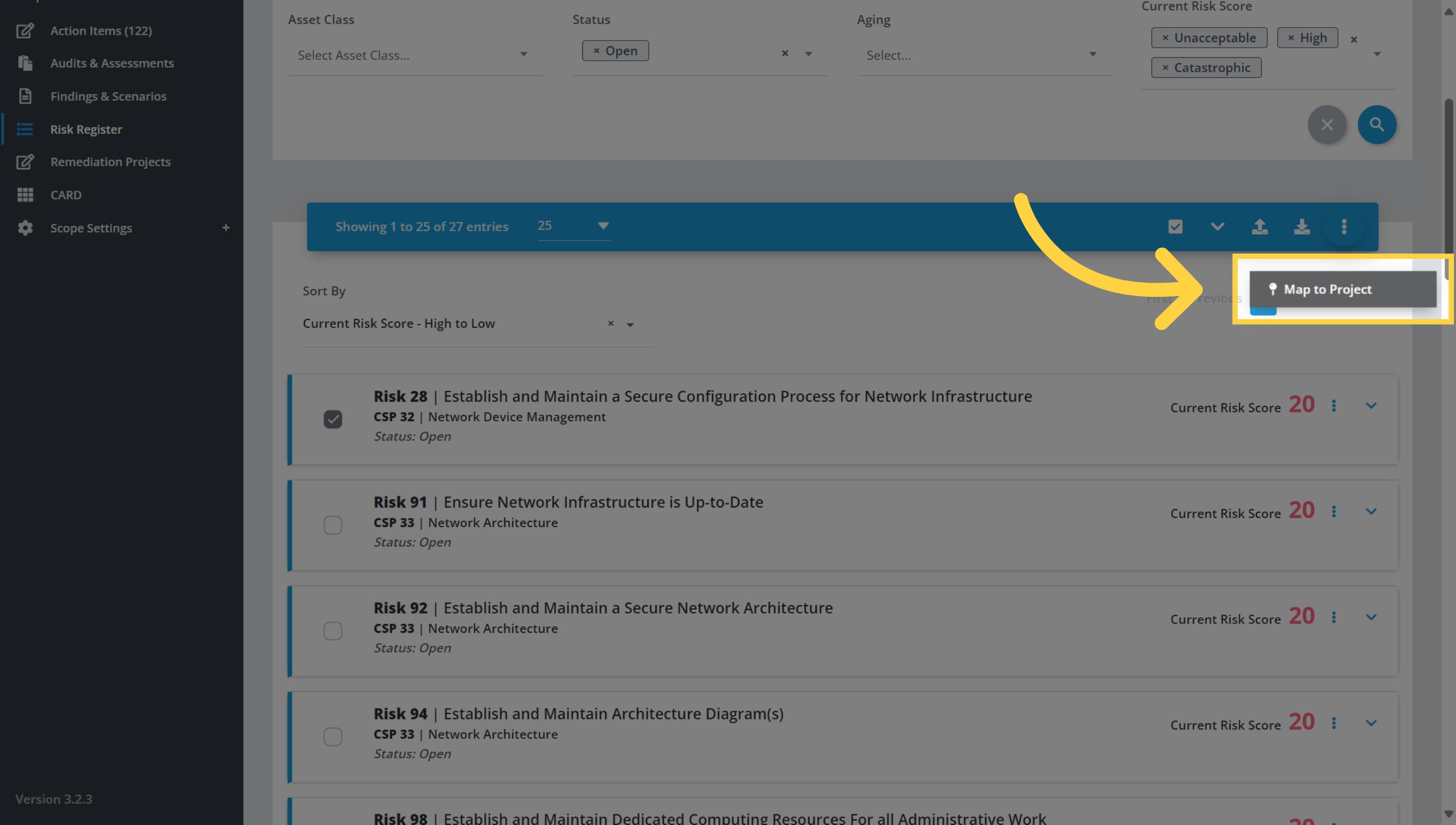
Now choose the 'Map to Project' option.
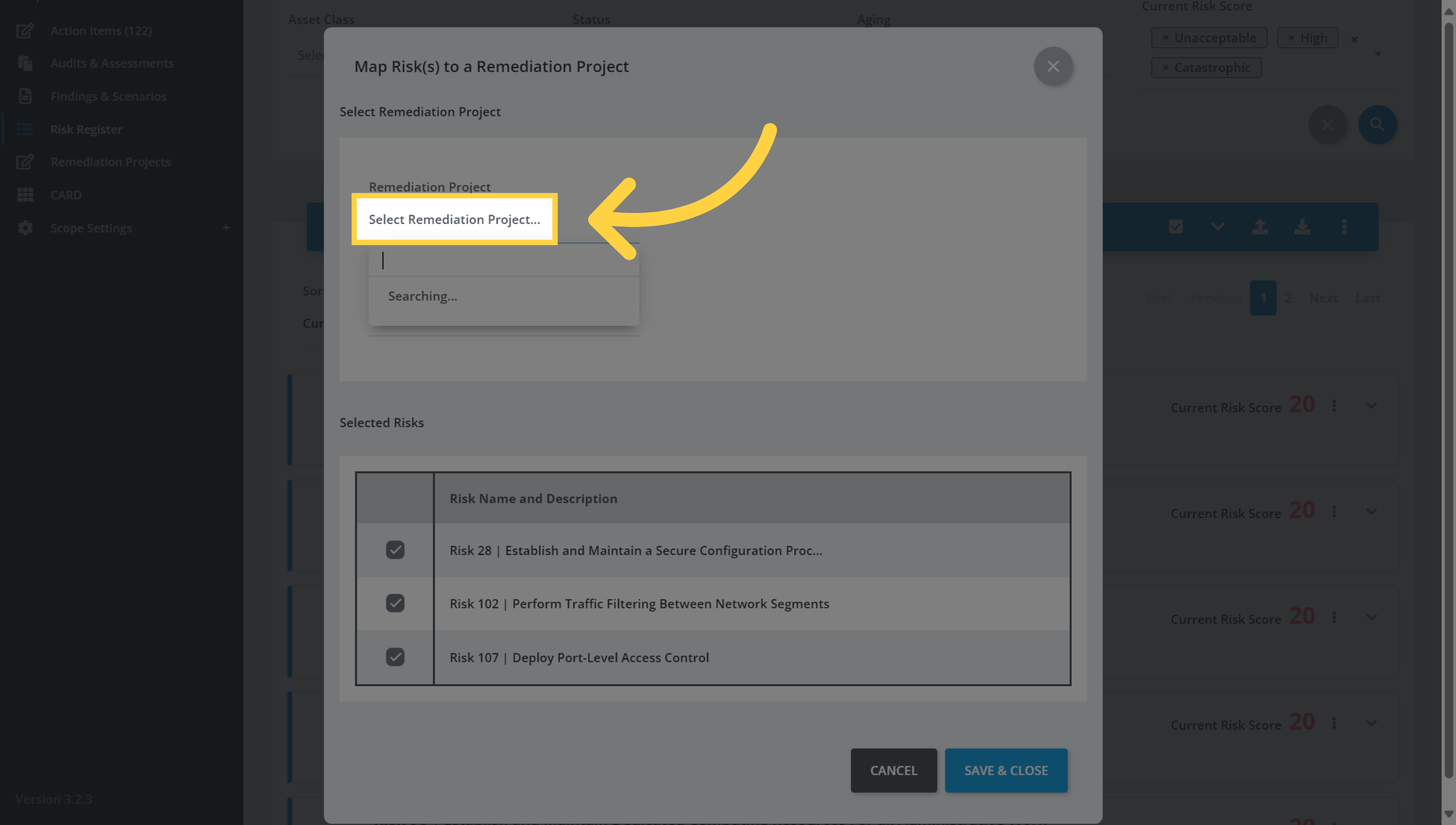
5. Select Remediation Project
Click on the drop down menu to select from a list of current projects to map the risks to. You could also create a new project here if necessary.
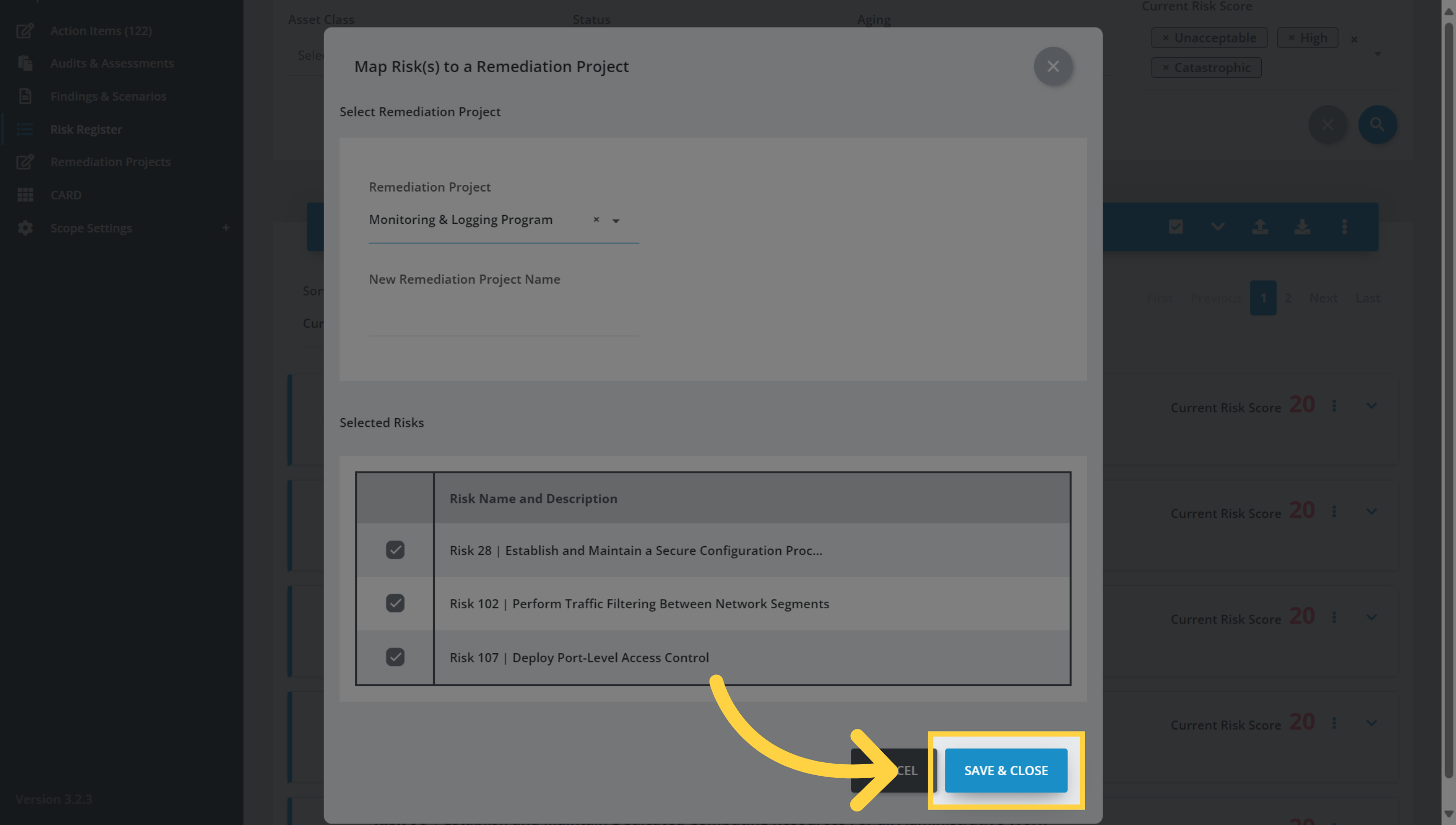
6. Click "Save & Close"
Once you have selected the Remediation Project, click Save & Close to complete the process and close the window..
Congratulations, you have successfully added risks to a Remediation Project.
Comments
0 comments
Please sign in to leave a comment.